The Risk Words report lists every message that contained one of your ministry's risk words, with the word highlighted and a link to the full conversation. It is how your safeguarding or care team looks back over messages that matter, whoever answered them.
The list of words is set up separately. See Risk words for how to add and remove them. This article is about reading the report.
Running the report
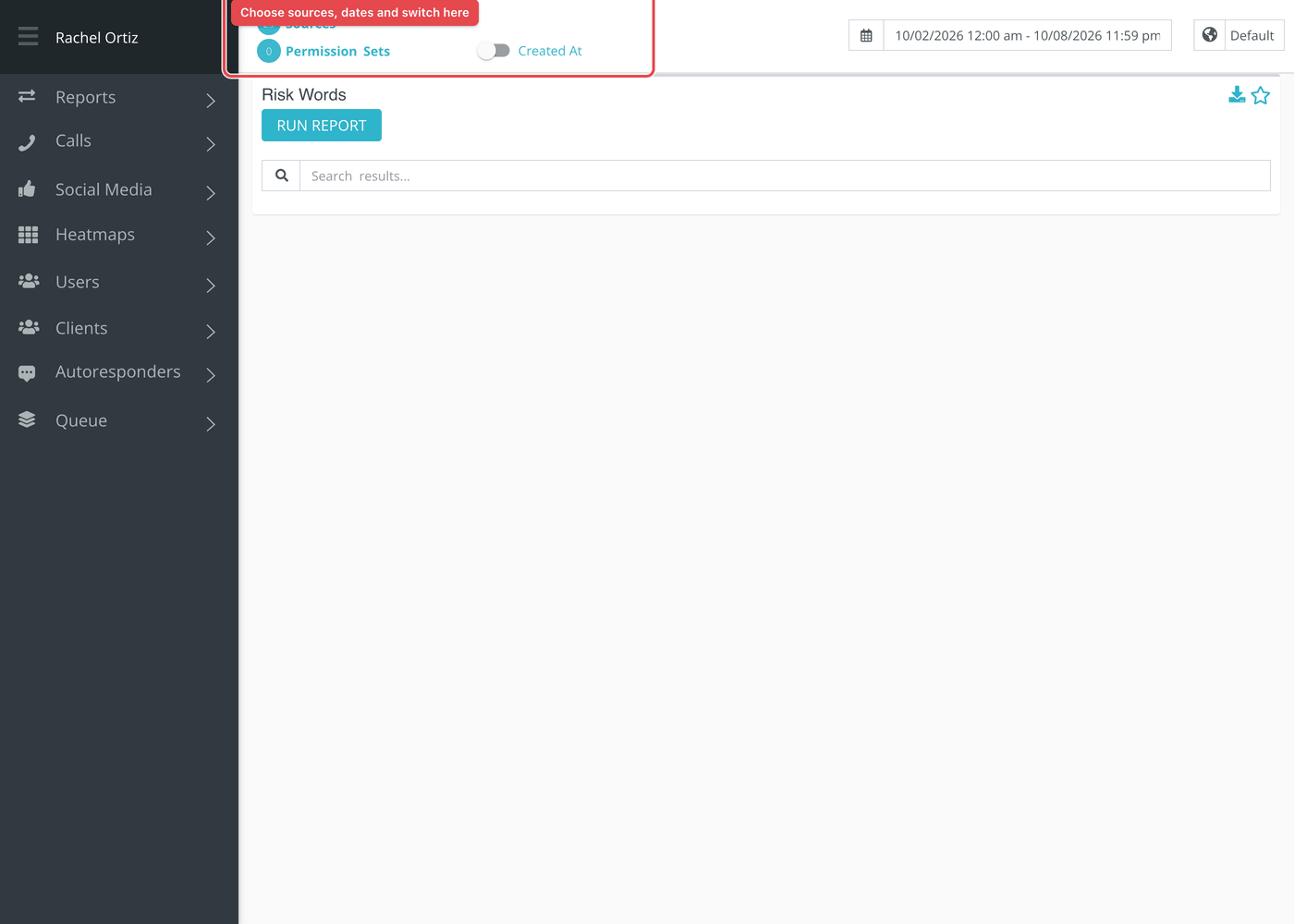
- Open Reports from the main menu. In the left-hand menu, under Reports, click Risk Words.
- Click the date range at the top of the page and choose your dates.
- Click Sources and choose the sources to include.
- Optional: click Permission Sets to see only conversations that someone in those sets claimed.
- Click Run Report.
Larger date ranges can take a little while. Reports that are still being built are listed under Queue at the bottom of the left-hand menu, which reads "All Reports Finished Loading" when none are waiting.
Reading the table
There is one row for each flagged message, in the order the messages were saved. Type in the search box to filter the rows, or click a column heading to sort by it.

| Column | What it shows |
|---|---|
| Message | The full text of the message, with each risk word highlighted. |
| Url | A link that opens the whole conversation for review. |
| Sent By | Who wrote the message. A seeker's name, or a responder's name. |
| User | The responder who has the conversation, or "no user" if nobody has claimed it. |
| Client | The seeker in the conversation. |
| Source | The Echo source the conversation came through. |
| Created At | When the message was saved. |
What the measurements mean
| Term | What it means |
|---|---|
| Risk word | A word or phrase your ministry asked Echo to watch for. Capitals do not matter and the word can sit inside a longer word. |
| Flagged message | A message, from a seeker or a responder, that contained at least one risk word when it was saved. |
| Sent By and User | Two different people. Sent By wrote this message; User is the responder who owns the conversation. |
Things to know
- Echo checks a message once, when it is saved. Adding a risk word later does not go back over older messages, and removing one does not unmark messages already flagged.
- Only the dates matter here. The report uses the date each message was saved and ignores the Created At and Closed At switch.
- Conversations marked as spam are left out.
- Because words are matched inside other words, short risk words bring in many false matches. This report is where you will see them.
- The report is a look back. It does not tell anyone about a message while the conversation is live. For that, use an alert.
Most cards also carry two small icons beside the title. The star pins the card to your Dashboard. The download icon saves the card as a CSV file, or as XLSX if your download preference is set to XLSX.