The Report Dashboard is your own page of pinned reports. Instead of opening the Totals report, then Hourly, then Tags each Monday, you pin the cards you read every time and find them together here.
Where to find it
Open Reports from the main menu. The Dashboard is the first item under Reports in the left-hand menu, and it is the page you land on.
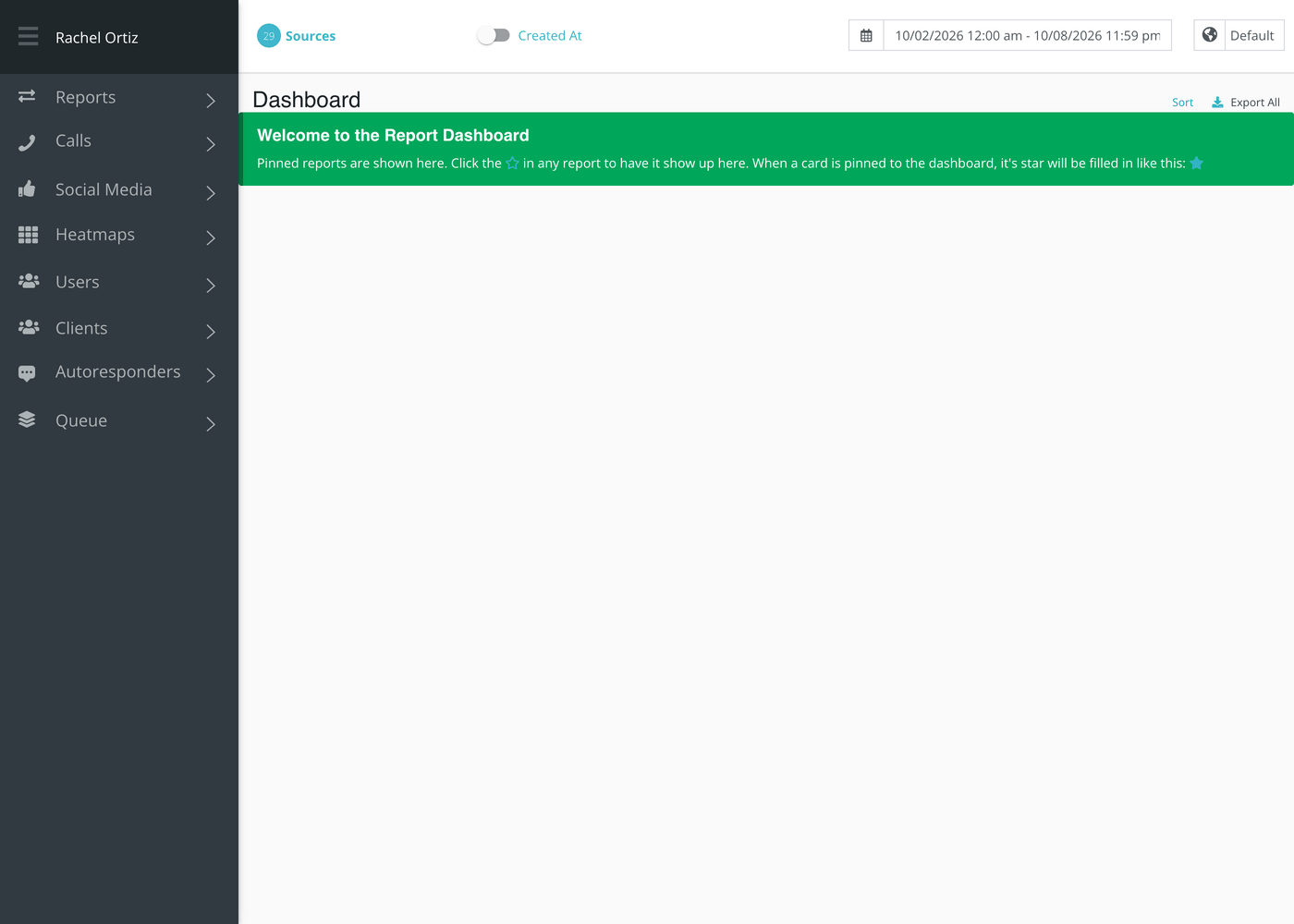
Until you pin something, it shows a short welcome note. Pins belong to you. Other people on your team have their own.
Pinning a card
- Open any report that has cards, such as Totals or Tags.
- Click the star beside the card's title. The star fills in.
- Open the Dashboard. The card is there.
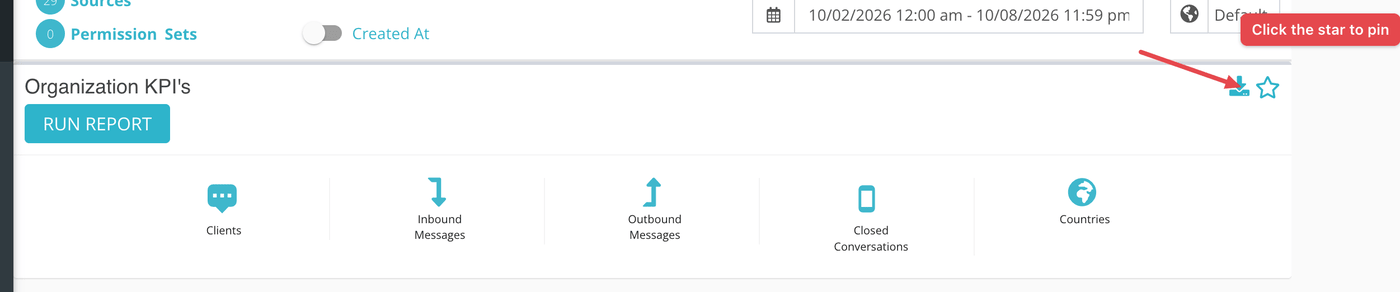
To unpin a card, click its filled star again, on the Dashboard or on the report it came from. A few cards, such as the map on Geolocation, have no star and cannot be pinned.
Using the pinned cards
A pinned card works like the report it came from. Choose the dates, sources and Created At or Closed At switch at the top of the page, then click Run Report on each card. The Dashboard remembers which cards you pinned, not the dates or sources you used, so you choose those each visit.
Putting them in order
- Click Sort at the top right of the Dashboard.
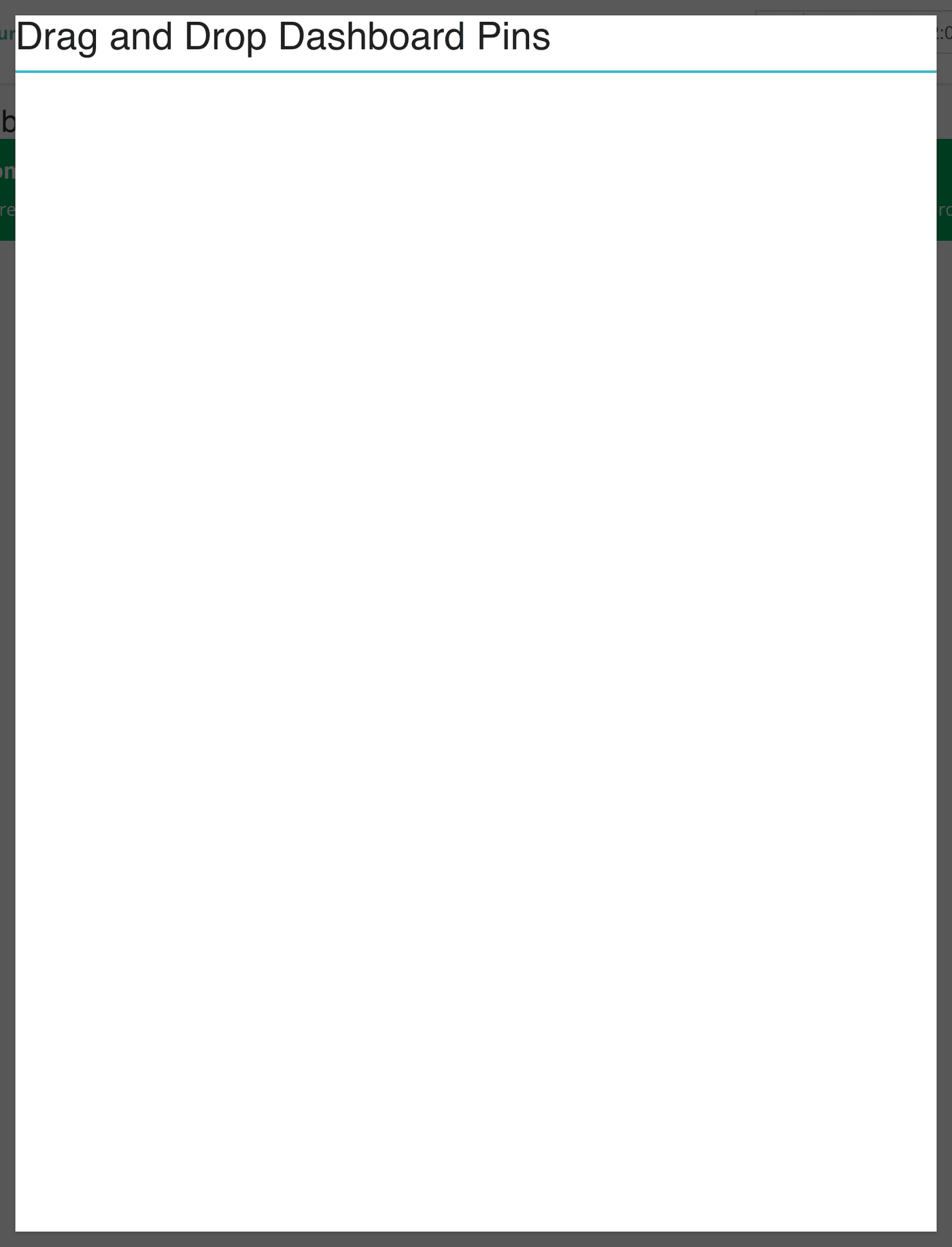
- Drag the names of your pinned cards into the order you want. Echo saves the order as you drop.
- Close the window.
Export All
The Export All link at the top right downloads a single CSV file named dashboard.csv with the data from your pinned cards. Cards without a built-in export are skipped without a message. To save one card on its own, use the download icon on the card.
What the terms mean
| Term | What it means |
|---|---|
| Pin | A saved shortcut to one report card. It is stored with your own login. |
| Card | One block on a report page, with its own title, star, download icon and Run Report button. |
| Run Report | The button that loads a card for the dates and sources you have chosen. Nothing loads until you click it. |
Things to know
- Monthly Outcomes and Daily Outcomes share the same pin. Pinning one unpins the other, and the Dashboard always shows the monthly version, because a pin remembers the card but not whether it was the daily or monthly layout.
- If you pin a card and cannot see it on the Dashboard, make sure you have chosen at least one source or permission set. The page asks for one before it shows any cards.