The Calls Overview is the summary page for your phone numbers. It tells you how long calls last, how many get answered, what your responders recorded afterward and how the calls divide between your numbers.
Where to find it
Click Reports, open the Calls group in the left sidebar and click Overview. It is separate from Overview under Users, which counts what each responder handled.

Set up and run the report
- Click Sources and choose the phone numbers to include. This report only looks at calls on your phone numbers.
- Choose the date range and time zone.
- Click Run Report on each card you want. The cards run separately.
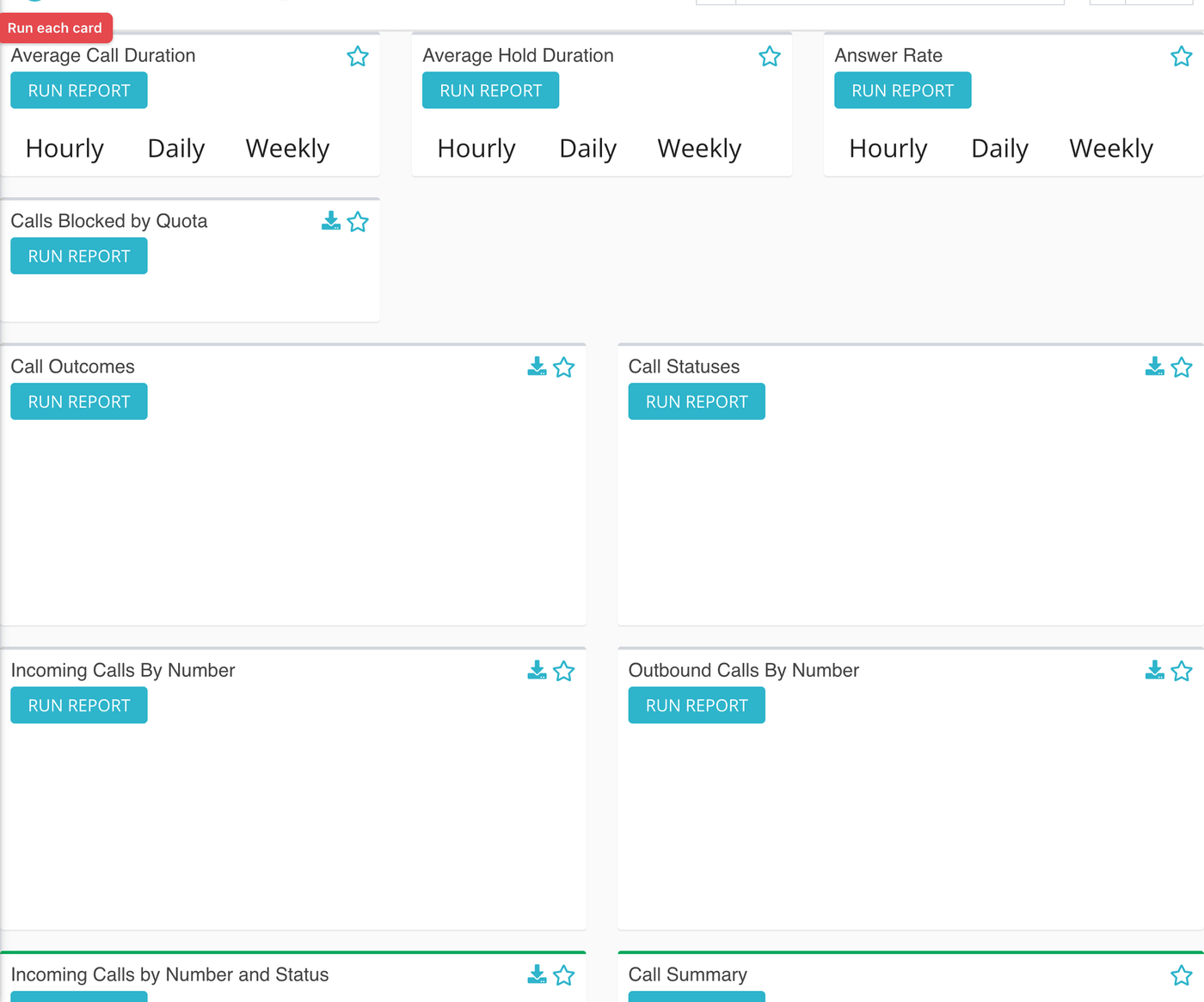
The three rolling cards
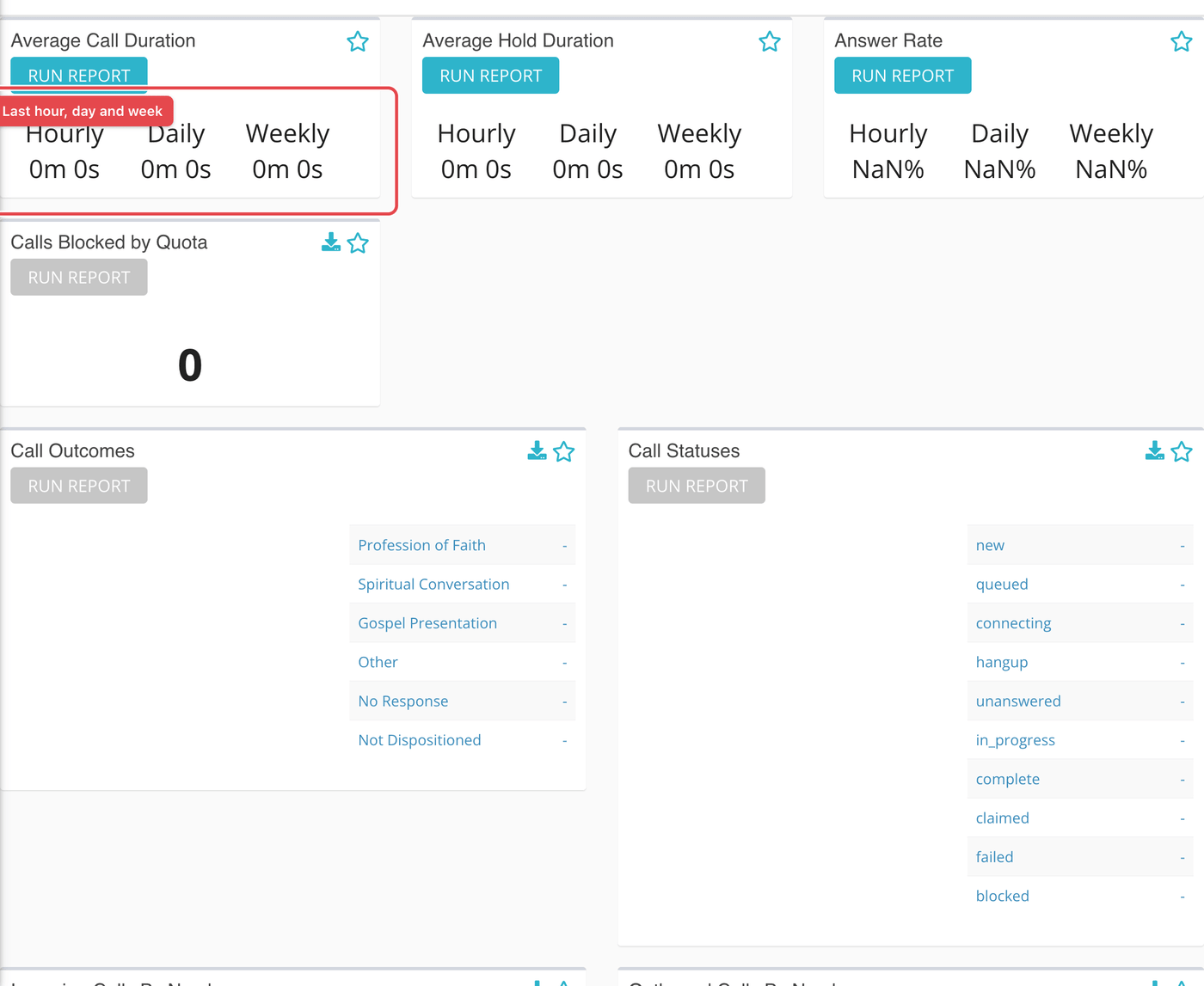
Average Call Duration, Average Hold Duration and Answer Rate each show three figures: Hourly, Daily and Weekly.
- These look back from the moment you run the card: the last hour, the last day and the last week. They do not follow your date range.
- They do follow the phone numbers you chose under Sources.
- They count inbound calls only.
The card beside them, Calls Blocked by Quota, is different. It counts calls inside your date range that were stopped because a quota was met. See Phone call quotas.
Outcomes, statuses and numbers
| Card | What it shows |
|---|---|
| Call Outcomes | A pie chart and list of the outcomes responders recorded on calls in your range. Click the card to see the split by phone number. |
| Call Statuses | The same, by the status of each call. |
| Incoming Calls By Number | How inbound calls divided between your numbers. |
| Outbound Calls By Number | The same for outbound calls. |
| Incoming Calls by Number and Status | A table with one row per number and three columns: hangup, unanswered and complete. |
| Call Summary | Inbound, outbound, missed, answered, answerable, unanswerable and the answer rate for the range. |
| Outcomes by Number | A table with one row per number and one column per outcome. |
What the measurements mean
| Term | What it means |
|---|---|
| Average Call Duration | The average connected time on inbound calls, in minutes and seconds. |
| Average Hold Duration | The average time a caller waited before being connected: total call time minus connected time. |
| Answered | A call that was picked up and completed. |
| Missed | An inbound call nobody answered. Echo counts two statuses as missed: hangup and unanswered. |
| Answerable | A call that lasted 25 seconds or longer. Shorter calls are treated as unanswerable, since the caller hung up too fast for anyone to help. |
| Unanswerable | A call shorter than 25 seconds. In the Call Summary this number is never larger than the missed count. |
| Answer Rate | Answered calls divided by answerable calls, as a percentage. Quick hang-ups therefore do not count against you. |
| Call outcome | The result a responder records after a call. Outcomes are set up in Admin. |
| Call status | Where a call got to: for example hangup, unanswered, in progress or complete. |
| Blocked by quota | An inbound call that arrived after the number's call quota was used up. |
What to keep in mind
- The three rolling cards answer "how are we doing now?"; the other cards answer "how did we do in this range?". Do not compare them directly.
- For which hours calls go unanswered, use the Missed Calls Report.
- For what is happening right now, use the Calls Live Dashboard.