The Call Details report is the call log. When a number on another report looks wrong, or you need to find one particular call and hear it, this is where you look.
Where to find it
Click Reports, open the Calls group in the left sidebar and click Call Details.

Set up and run the report
- Click Sources and choose the phone numbers you want.
- Choose the date range and time zone.
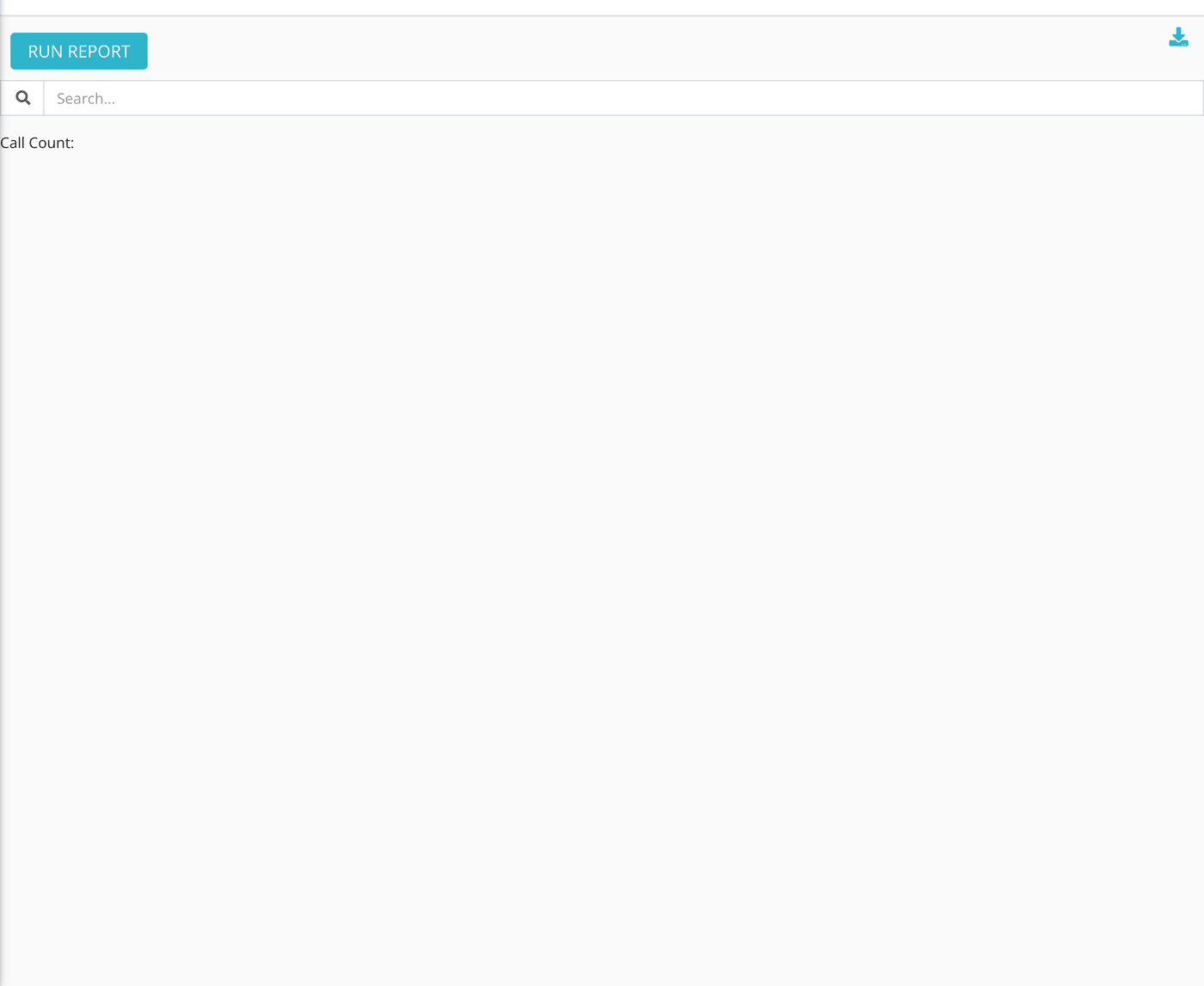
- Click Run Report. The list is empty until you do.
- Type in the Search box to find a responder, a caller's number or a status. Call Count above the table shows how many calls match.
Reading the table
The list shows inbound and outbound calls, newest first, and leaves out calls that failed to connect at all.
| Column | What it means |
|---|---|
| Link | The phone icon opens the call itself in Echo, in a new tab. |
| User | The responder who accepted the call. A dash means nobody did. |
| Client | The caller's phone number, or "no name" when none is recorded. |
| Connected Duration | How long the caller and responder were connected. |
| Hold Time | How long the caller waited before being connected. A dash means Echo did not record a time. |
| Connection Attempts | How many responders the call was offered to. |
| Connected At | When the connection happened: the start of the call plus the hold time. |
| Created At | When the call began. |
| Flag | A flag set on the call, if any. |
| Recording | An audio player, shown when the call was recorded. |
| Status | Where the call got to, such as complete, hangup or unanswered. |
| Verified Caller ID | A check mark when the carrier supplied a caller ID verification result with the call, and a cross when it did not. |
| Ended By | The reason the call ended. |
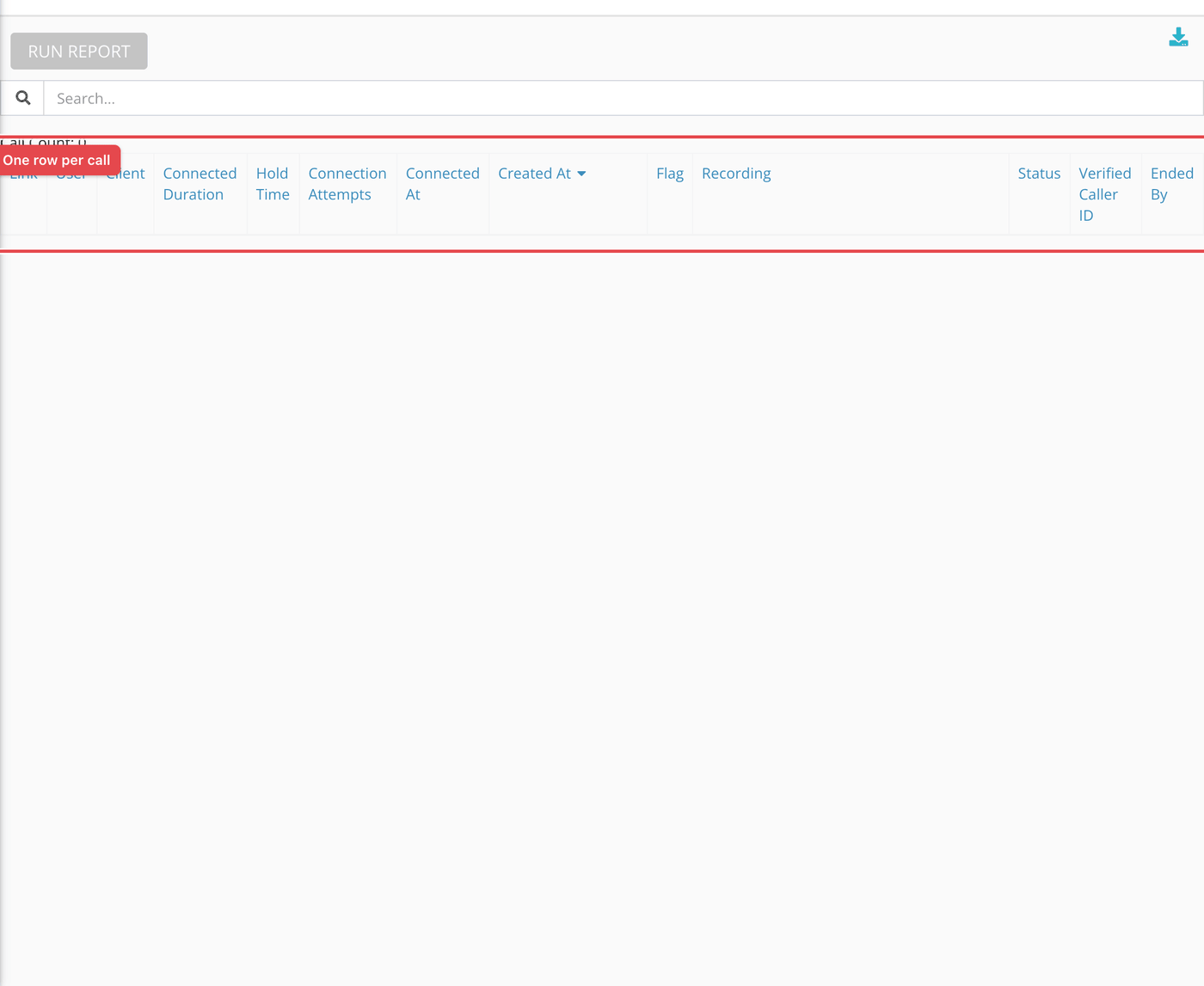
Click any column heading to sort, and use the download icon at the top to save the table.
What the measurements mean
| Term | What it means |
|---|---|
| Connected duration | Time with a responder on the line. |
| Hold time | Total call time minus connected duration. |
| Connection attempt | Each time Echo offered the call to a responder. A call offered to three people before someone answered has three. |
| Verified Caller ID | Whether the call arrived with a caller ID verification result attached by the carrier (STIR/SHAKEN). |
What to keep in mind
- A call recording is a seeker's voice. Listen to it, and share it, with the same care as a conversation.
- A call's status values include
complete,hangup,unanswered,in_progress,queued,connecting,claimedandblocked.