This report is a plain list of subscriptions: one row for each time someone joined a campaign in the date range. It is the report to use when the question is “did this number get on a keyword, and when did they leave?”
There are two screens with similar names. This one is a report, in the Reports area. Campaign Subscriptions describes the Subscriptions screen under Auto-Responders in the admin menu, where you can also take someone off a campaign. Nothing on this report changes a subscription.
You need to be an admin, or to have been given access to the Reporting module, to open Reports. These pages are in the classic Reports area. The newer Analytics area is a separate set of reports.
Where to find it
- Click Reports in Echo’s main menu.
- In the left menu, open the Autoresponders group and click Subscriptions.
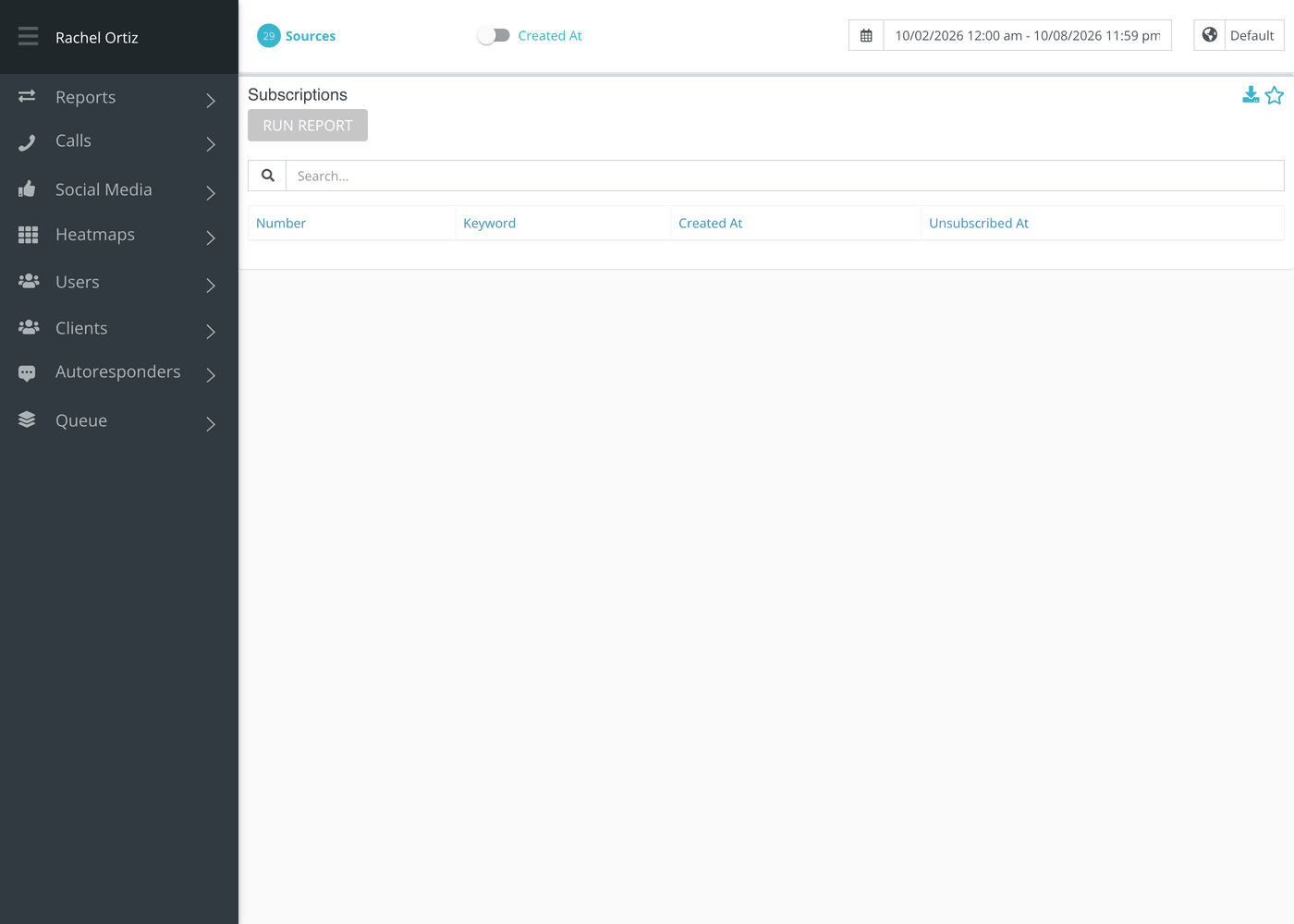
- Pick a date range and, if you need to, a time zone at the top of the page. Open Sources to choose which of your sources to include.
- Click Run Report on the card. The report runs in the background, so give it a moment on a long date range.
Reading the table
| Column | What it means |
|---|---|
| Number | The phone number the person subscribed from. |
| Keyword | The keyword they joined. This can be blank for a campaign that ended, or was archived, before the end of your date range. |
| Created At | When they subscribed, in the time zone you picked. Your date range filters on this column. |
| Unsubscribed At | When they unsubscribed. It is blank while they are still subscribed. |
Finding someone
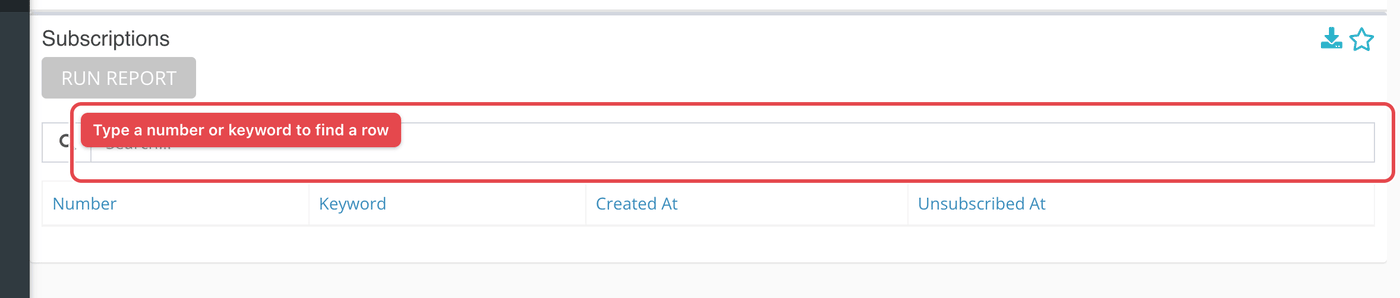
- Type part of a number or a keyword in the Search box above the table. The rows narrow as you type.
- Click a column heading to sort by it. Click it again to reverse the order.
To keep the list, click the download icon in the card’s header.
What the measurements mean
| Term | What it means |
|---|---|
| Subscription | One person on one campaign. Joining three keywords makes three subscriptions. |
| Created At | The day the subscription began. A range of Monday to Friday lists everyone who joined on those days, whether or not they have left since. |
| Unsubscribed At | The day they replied STOP, or were taken off. A blank is a person who is still on the campaign. |
If something looks wrong
- Someone who unsubscribed this week is missing. The date range filters on when they joined. If they joined before the range, widen it.
- The Keyword is blank. The campaign had ended or been archived by the end of the range. Check the campaign in the admin menu under Auto-Responders.