Volunteers do not read the ministry newsletter before a shift. News is how a short announcement reaches them where they already are — inside Echo.
Where to find it
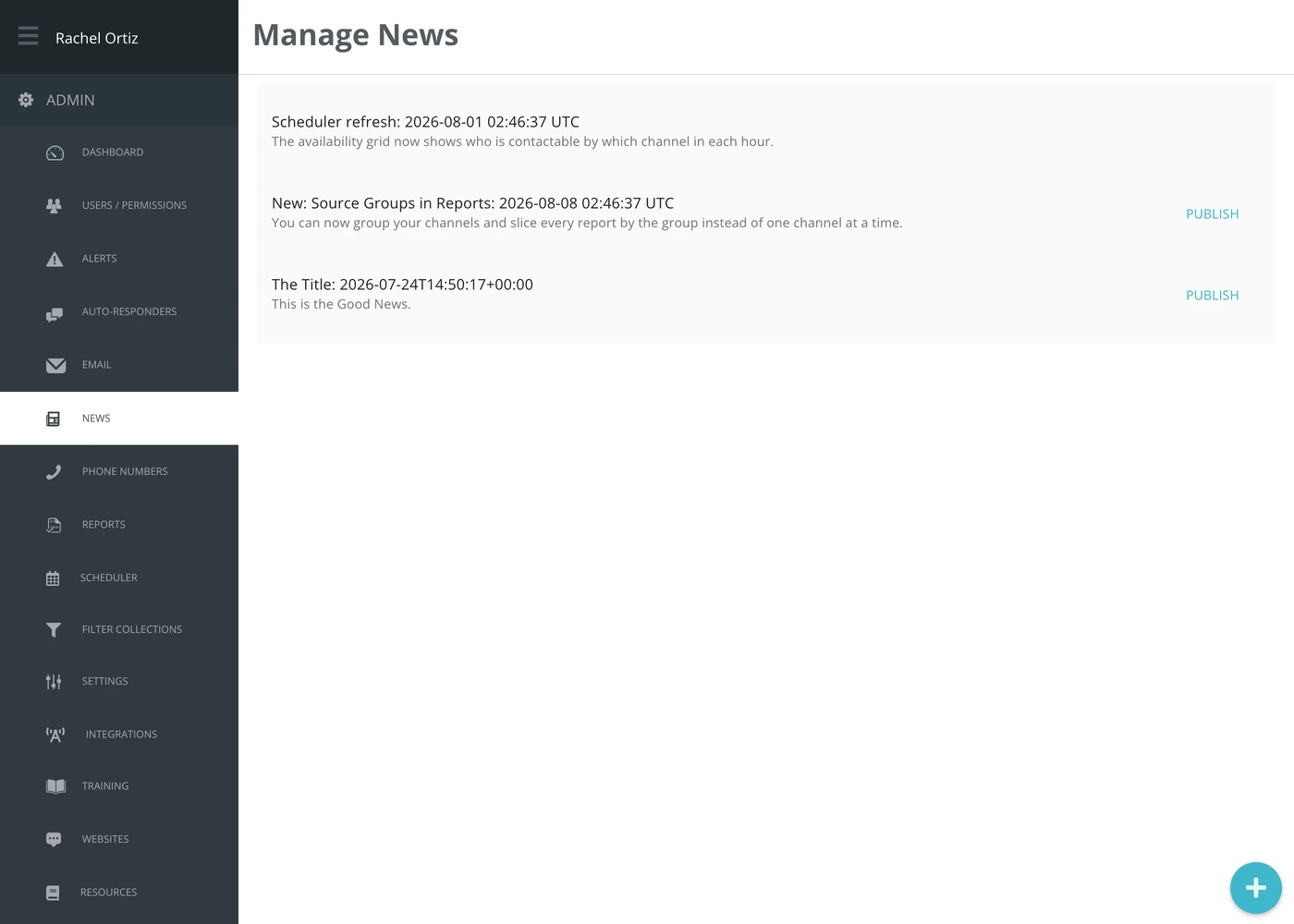
In the admin menu, click News.
Writing a news item
- Click the + button in the bottom right.
- Give it a title and the text.
- Save it.
There is no draft step. Responders see the newest item, so a new one reaches them as soon as you save it.
Publishing
Responders see one item at a time. The item with no Publish link is the one they see now. Click Publish beside an older item to make it the one they see again.
Read it back before you save it. To fix a typo afterwards, click the item, correct it and save again; the correction shows in place.
What to use it for
Short and time-bound: a new phone line going live, a change to the on-call rota, a reminder about a policy. Anything that needs to survive longer than a week belongs in a resource, where a responder can find it again.
What the terms mean
| Term | What it means |
|---|---|
| News item | One short announcement shown to responders inside Echo. |
| Published | Visible to responders. Only one item is published at a time, the one saved or published most recently; every other item is visible only here. |