About
Do you want to add a Code of Conduct or Statement of Faith agreement for your Echo Users to sign before they take conversations in Echo? There is now a place you can add this type of User Agreement.
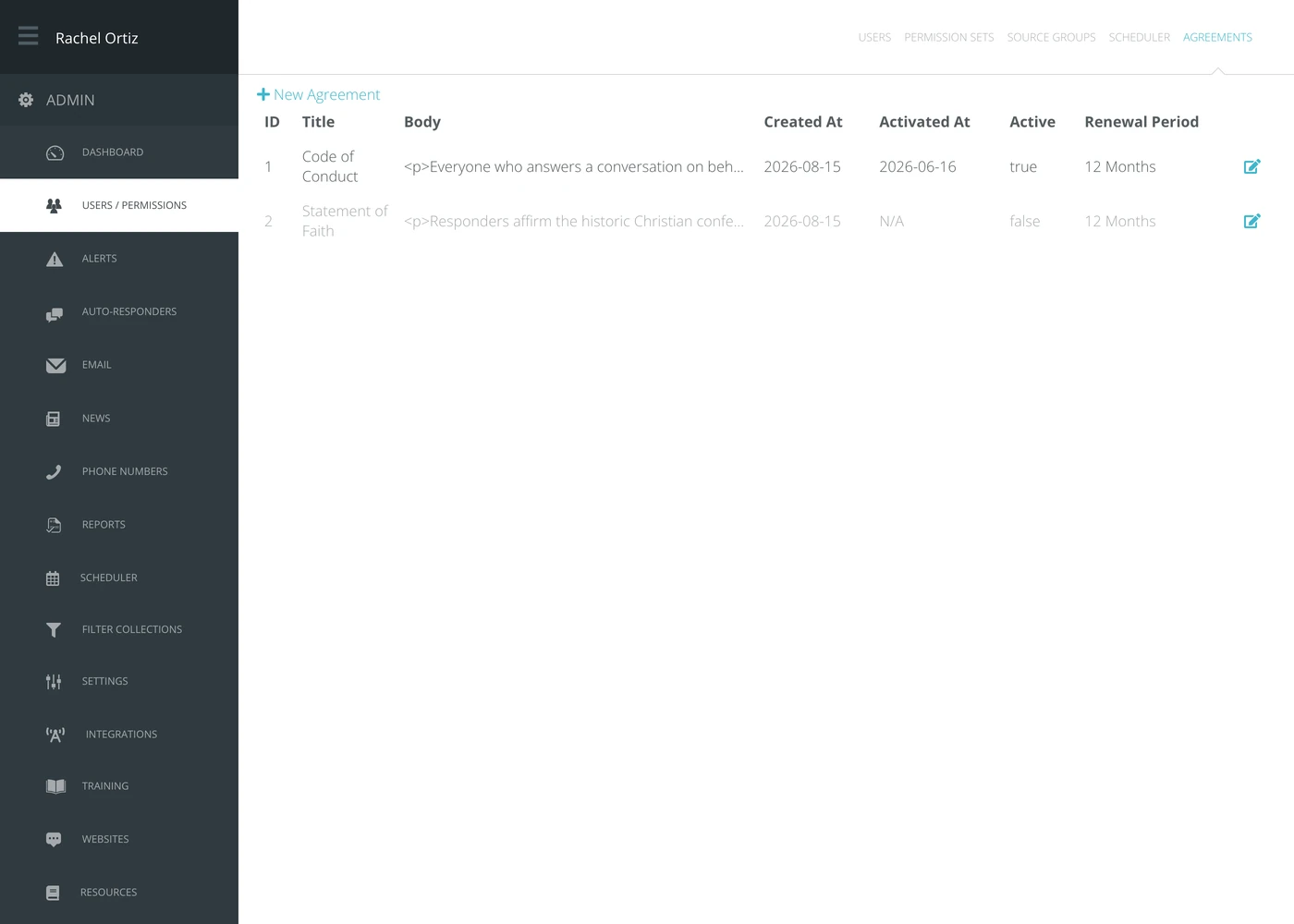
Admin - Users/Permissions - Agreements
Add a New Agreement
Select + New Agreement
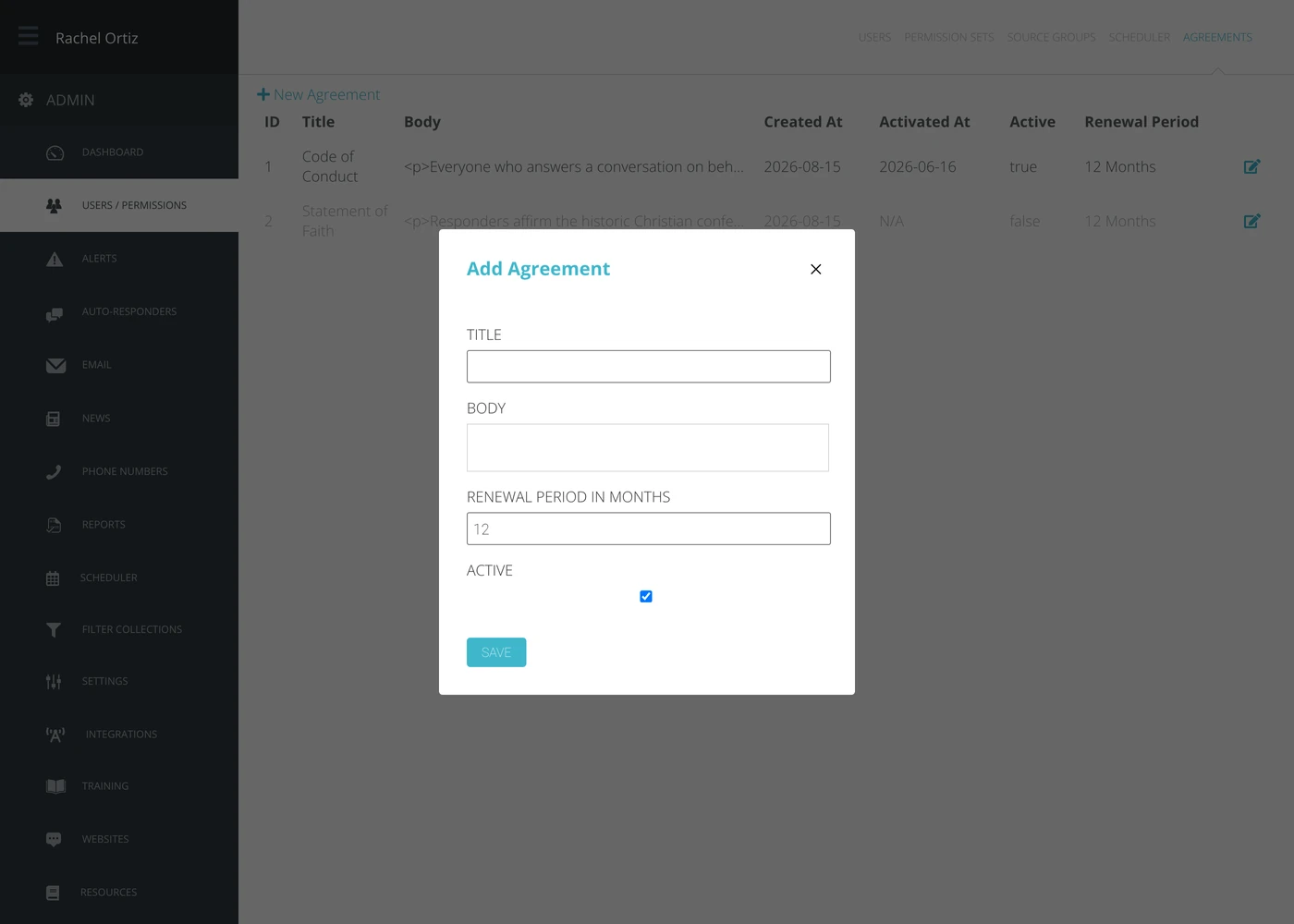
Fill in an Agreement title, the body content you want included in the agreement, the renewal period (how often you want your users to sign the agreement).
When you're ready for your users to see and sign the agreement, check the box under "Active".
Click the SAVE button.
To format the content body, highlight the text and the formatting options will display.
Edit an Existing Agreement
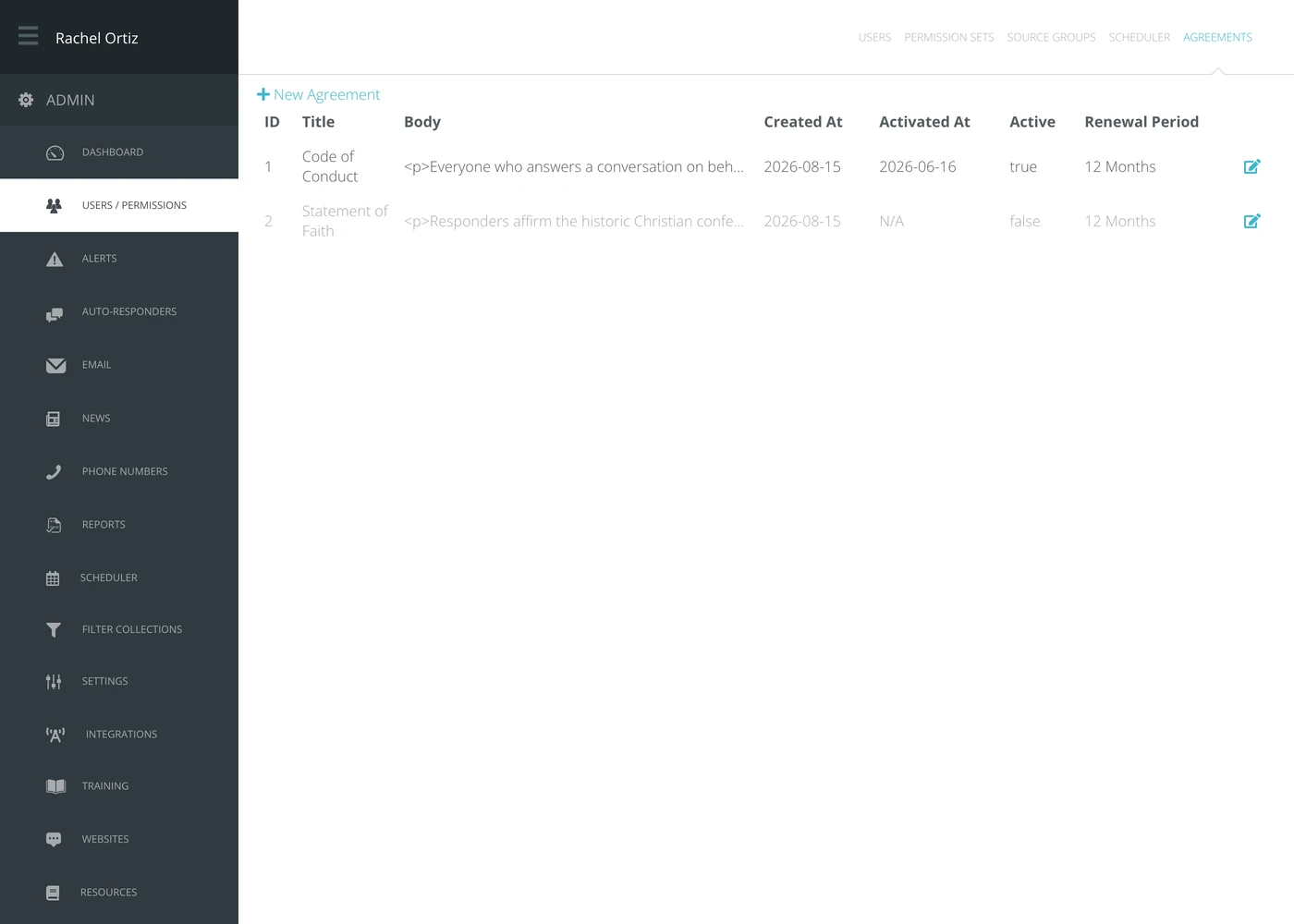
You can use the edit icon to edit the contents of your agreement at any time. You can also uncheck the Active box to turn off the Agreement for users from the edit icon.
How Agreements Work
Once you turn on an agreement, your Echo Users will encounter the agreement the next time they log into Echo. The user will need to review the agreement and click the button that they agree to it. Once complete, they will be asked to log in again.
The user will not see the agreement again upon login until the renewal date you established.