WhatsApp does not let a business start a conversation with whatever wording it likes. Once a seeker has been quiet for 24 hours, you may only send them a message whose wording Meta approved in advance. Those approved wordings are templates.
Where to find it
From the WhatsApp integration, click Manage Templates to open WhatsApp Templates.
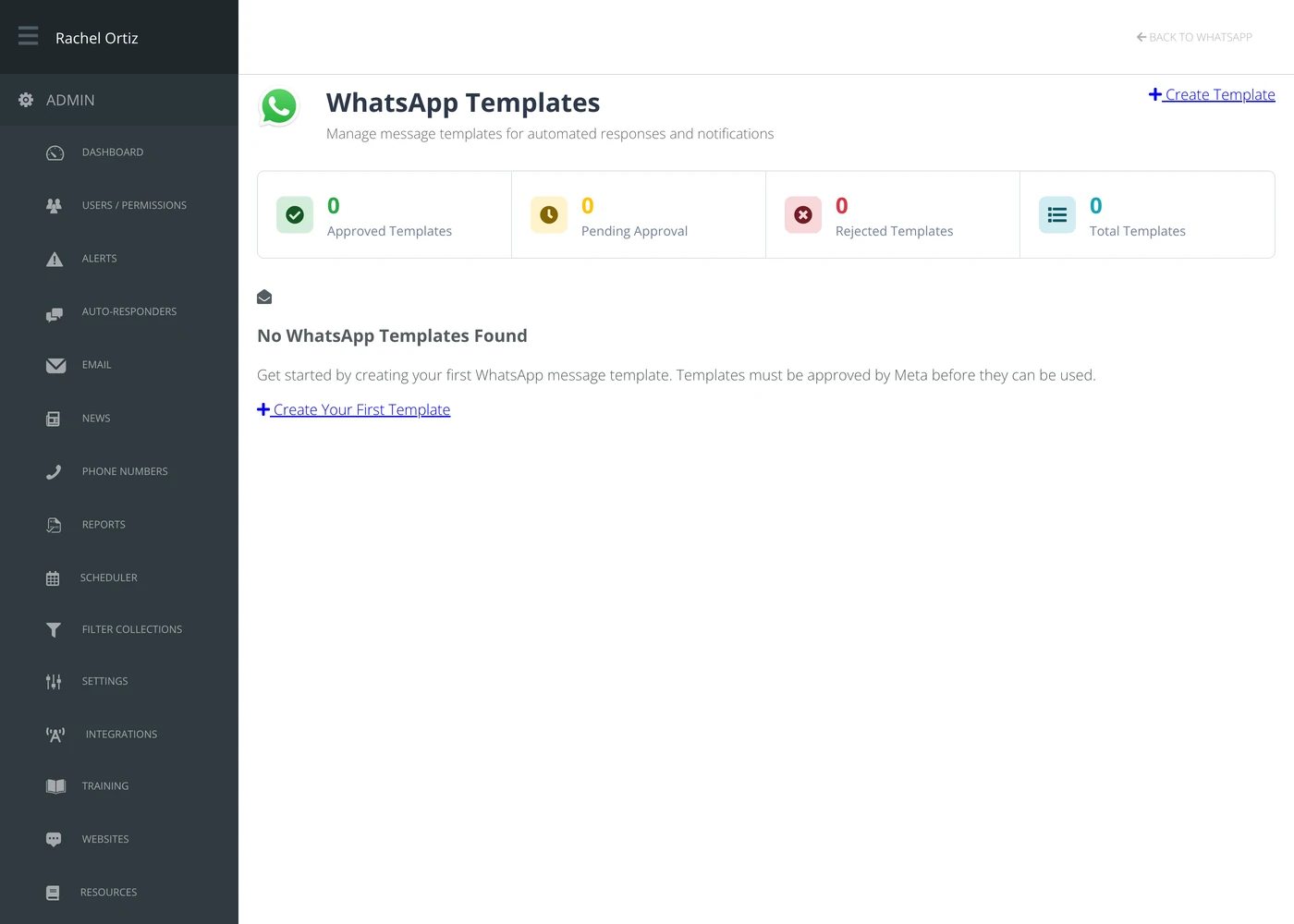
The four tiles across the top are the whole status picture: Approved Templates, Pending Approval, Rejected Templates and Total Templates.
Creating a template
- Click Create Template.
- Give it a name you will recognize later.
- Choose the WhatsApp Account and a Category, and check the Language.
- Write the header, the body and the footer. Only the body is required.
- Save it, then submit it to Meta for approval.
You can preview a template before submitting, and duplicate one to make a variation without retyping it.
Variables
A template can carry placeholders that get filled in when it is sent — a name, a date, a link. The preview shows the template with sample values in place, which is the only way to catch a placeholder that reads wrong in a real sentence.
Getting it approved
Submitting sends the wording to Meta. Approval is theirs, not Echo's.
| Status | What it means |
|---|---|
| Pending | With Meta. Usually hours, sometimes longer. |
| Approved | Usable. This is the only status that can be sent outside the 24-hour window. |
| Rejected | Turned down. Edit the wording and resubmit. |
Rejections are usually about wording that reads as marketing or as a demand. Templates that read as a person following up on a conversation the seeker started tend to go through.
What the terms mean
| Term | What it means |
|---|---|
| Template | A wording Meta has approved in advance, so it can be sent outside the 24-hour window. |
| 24-hour window | The period after a seeker's last message during which you may reply freely. After it, only templates. |
| Header / body / footer | The three parts of a template. Only the body is required. |
| Variable | A placeholder in the wording, filled in when the message is actually sent. |
| WABA | WhatsApp Business Account — the Meta account your number and templates belong to. |
Write them before you need them
Approval takes time, so a template written the moment you need it is a template you cannot send. Get your two or three ordinary follow-ups approved while nothing is urgent.