

About:
You may have had a conversation with someone outside of Echo that you want to capture the details and store them inside your Echo account for tracking purposes. In order to accomplish this, you can use the External Referrer Integration.
Step One: Create the External Referrer
Go to Echo > Admin > Integrations > Externals
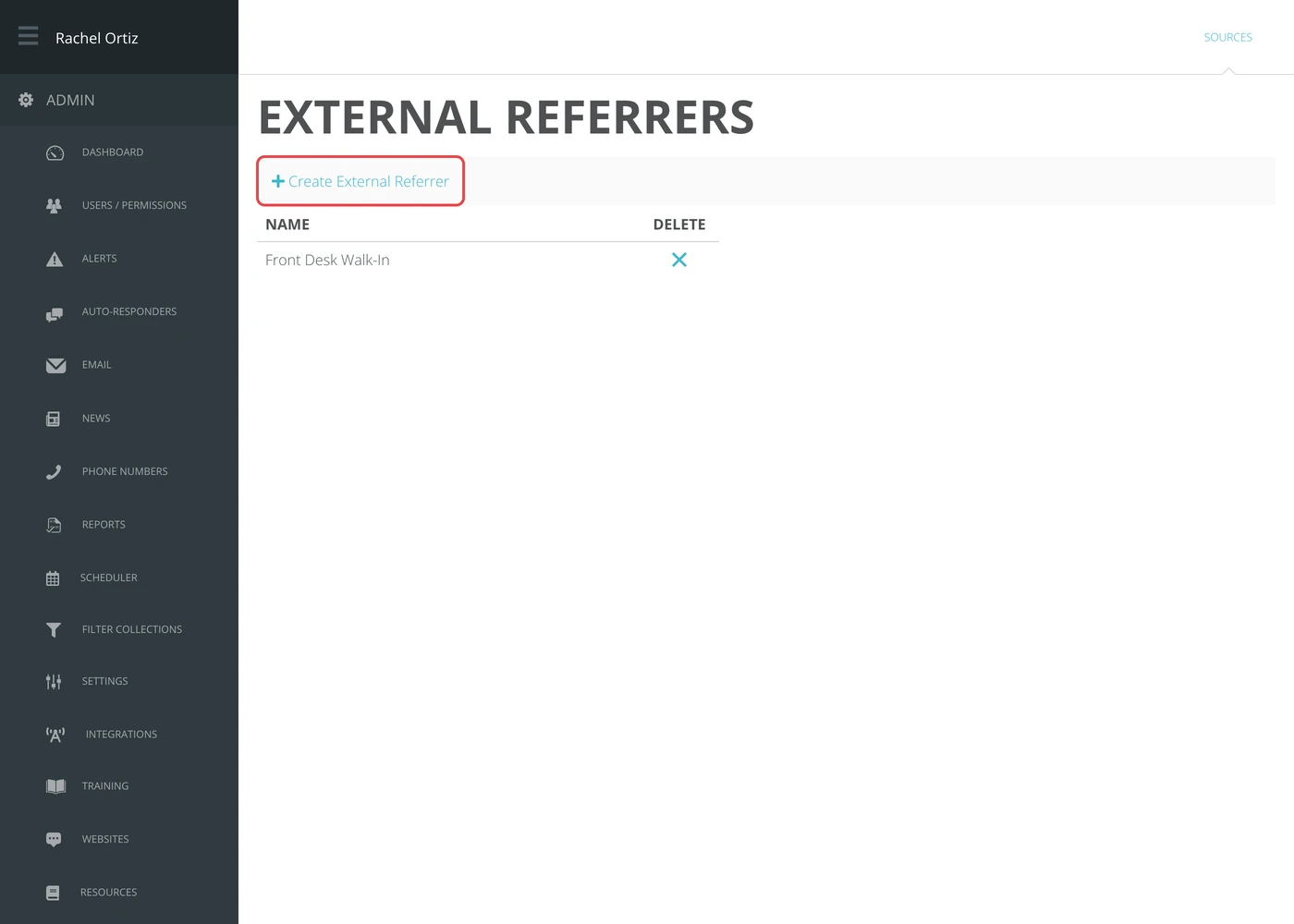
Click on + Create External Referrer
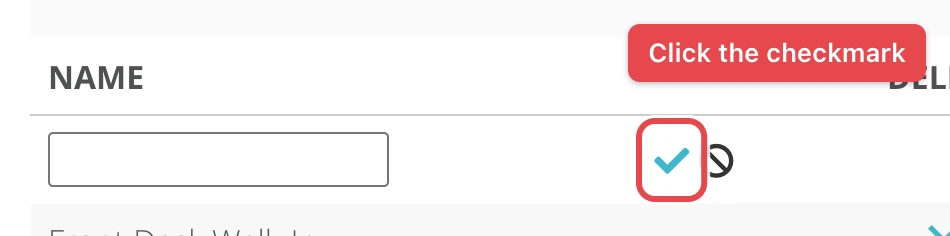
Give the External Referrer/Source a Name (one that will make it clear where the conversations are coming from).
Click the Blue Checkmark
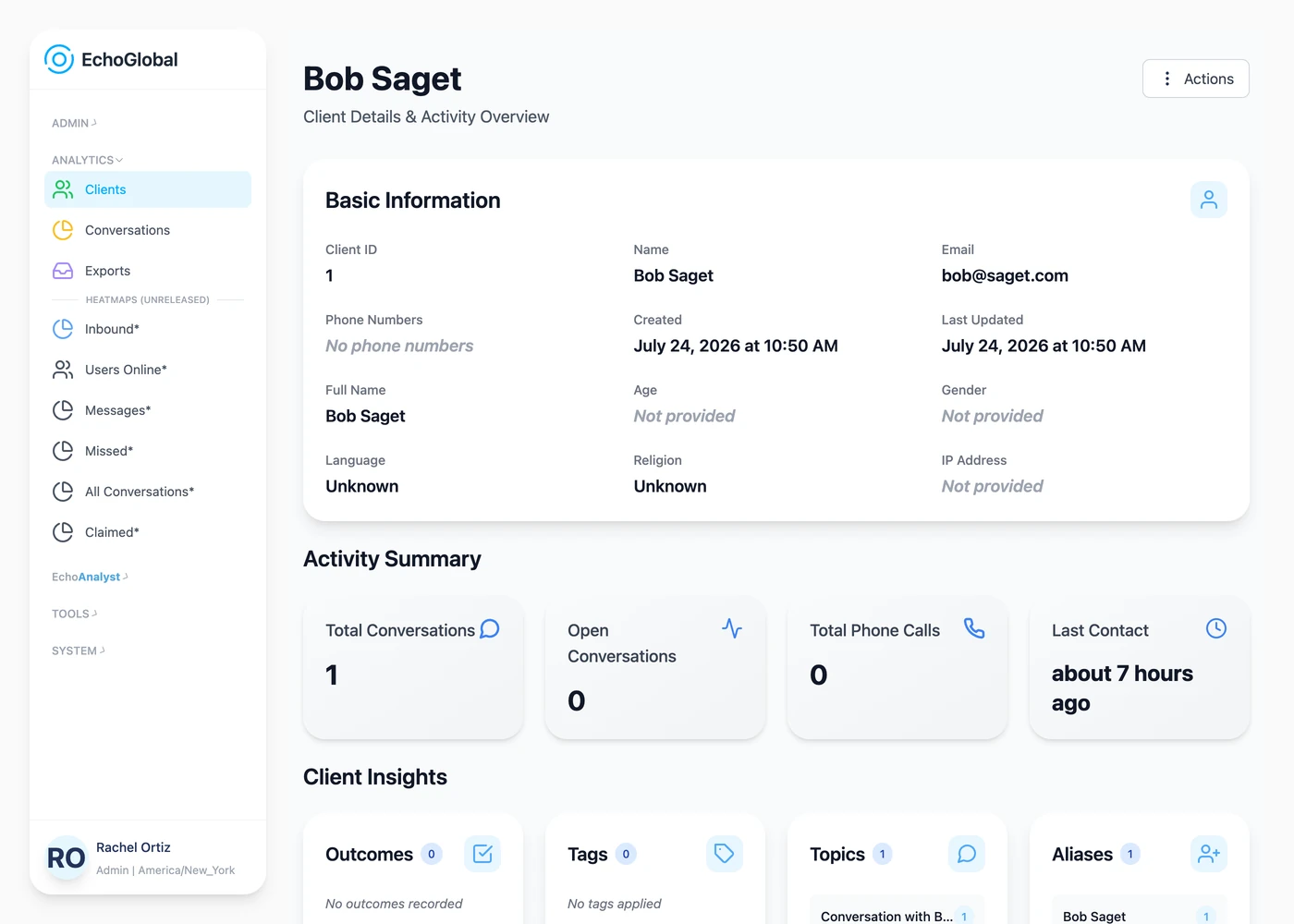
Step Two: Create External Conversations through the Echo CRM
(Full CRM Documentation Here): https://echoglobal.helpdocs.io/article/9aiuambxlq-crm-documentation
For each client, you will see that you can start an external conversation with them. This lets you record a meeting you may have had with a client outside of Echo.
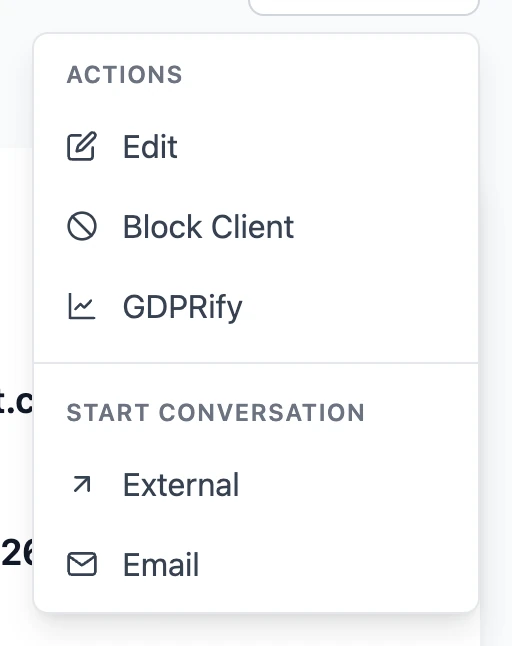
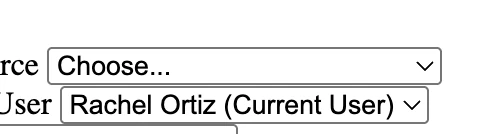
Click on "external" from the start conversation action. You will then be able to choose from the list of external source options you've created in the admin area of Echo. Assign the communication with a user. Provide a topic and when the communication took place. Once you click Create, you will have the option to provide an outcome and notes for the communication. This is now stored with the conversation history of the client.
Any conversation created from External sources will close immediately upon creation so that note, tags, and an outcome can be applied to it.