A missed call is a seeker who reached out and got nothing. This report is how a ministry finds out how often that happens, and — more usefully — when.
Where to find it
In the admin menu, click Reports, then Missed Calls along the top.
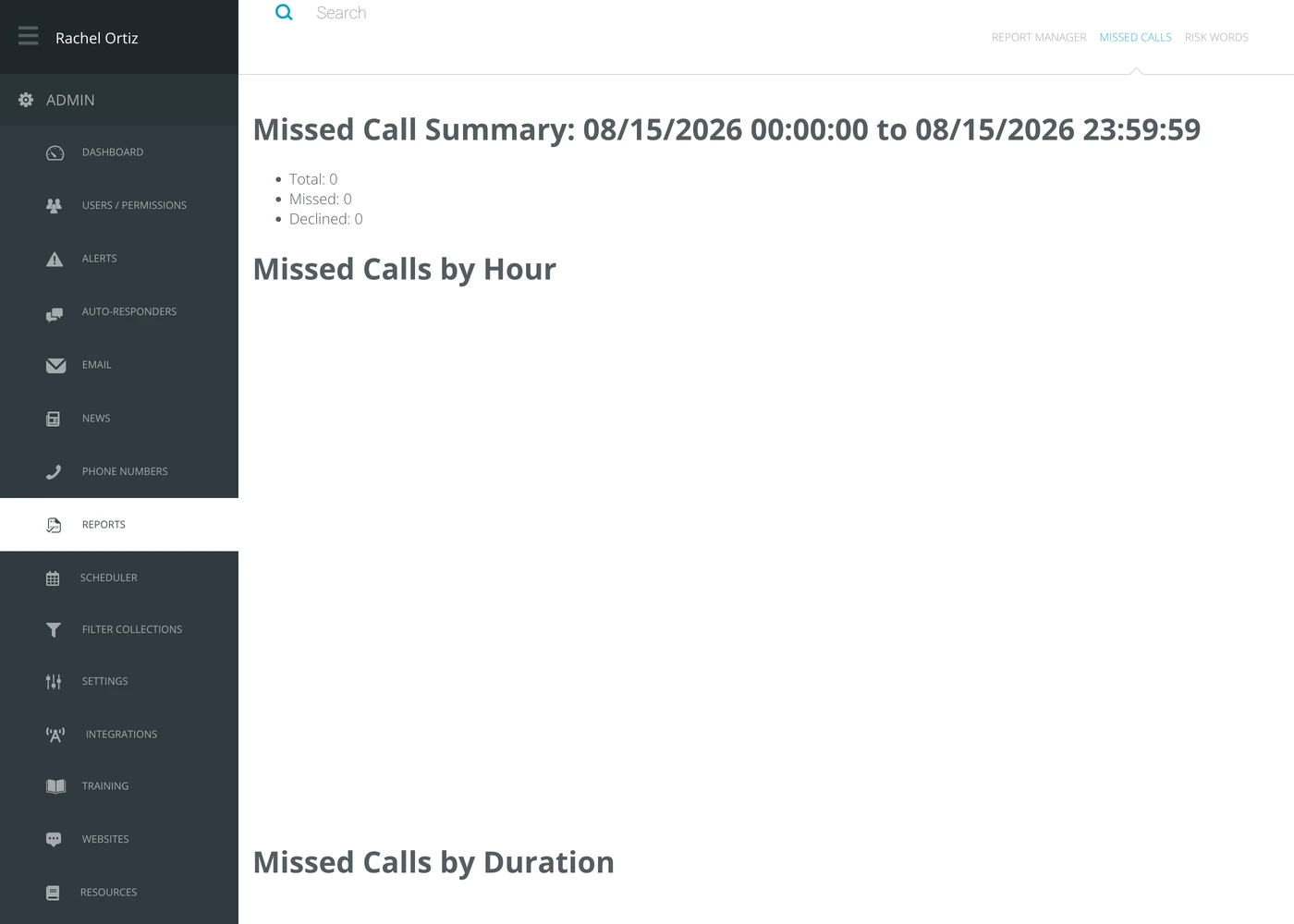
The summary
The heading names the period the report covers, and three numbers sit under it.
| Number | What it counts |
|---|---|
| Missed | Calls nobody answered. |
| Declined | Calls a responder was offered and turned down. |
| Total | The two added together. |
The split matters. A high missed count means nobody was there. A high declined count means somebody was there and did not take it — a rota problem and a training problem are different problems.
Missed calls by hour
The same calls, spread across the hours of the day, drawn as Missed and Declined lines. A third line, Total, counts every incoming call in that hour, not only the missed and declined ones. This is the chart that changes a rota: if the gap is every night between eleven and one, no amount of daytime cover will close it.
Missed calls by duration
How long the caller waited before hanging up, in thirty-second bands. Short bars mean people are giving up almost immediately; long bars mean they held on and still got nobody.
Missed calls by answerability
The same calls again, sorted into four groups by how long the caller stayed on the line: unanswerable 0-10s, mostly unanswerable 11-25s, maybe answerable 26-40s and answerable 41+.
What the measurements mean
| Term | What it means |
|---|---|
| Missed | A call that rang and was never answered by anybody. |
| Declined | A call that was offered to a responder who rejected it. |
| Duration | How long the caller was on the line before the call ended, grouped in thirty-second bands. |
What to do with it
Read this report beside the scheduler. The hours with the tallest bars are the hours that need somebody rostered — and if Deprioritize users who miss or reject calls is switched off under Settings, turning it on will change who the next call goes to.