This report shows where your callers are. It is useful for deciding where to recruit responders who speak the right language, which regions to focus outreach on, and whether calls are coming from where you expect.
Where to find it
Click Reports, open the Calls group in the left sidebar and click Geolocation. This is separate from Geolocation in the first group, which covers all conversations rather than calls.

Set up and run the report
- Click Sources and choose the phone numbers you want.
- Choose the date range and time zone.
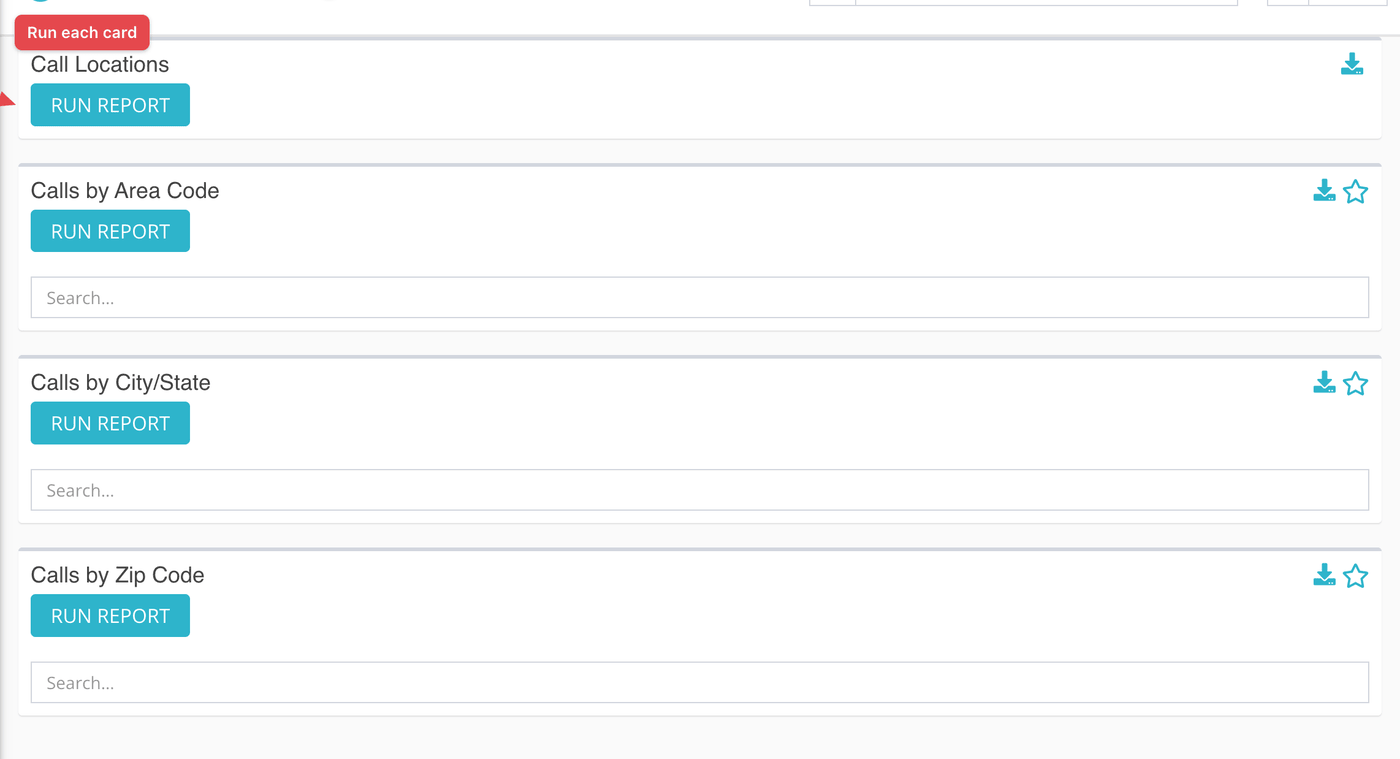
- Click Run Report on each card. Each of the four cards runs on its own.
The four cards
| Card | What it shows |
|---|---|
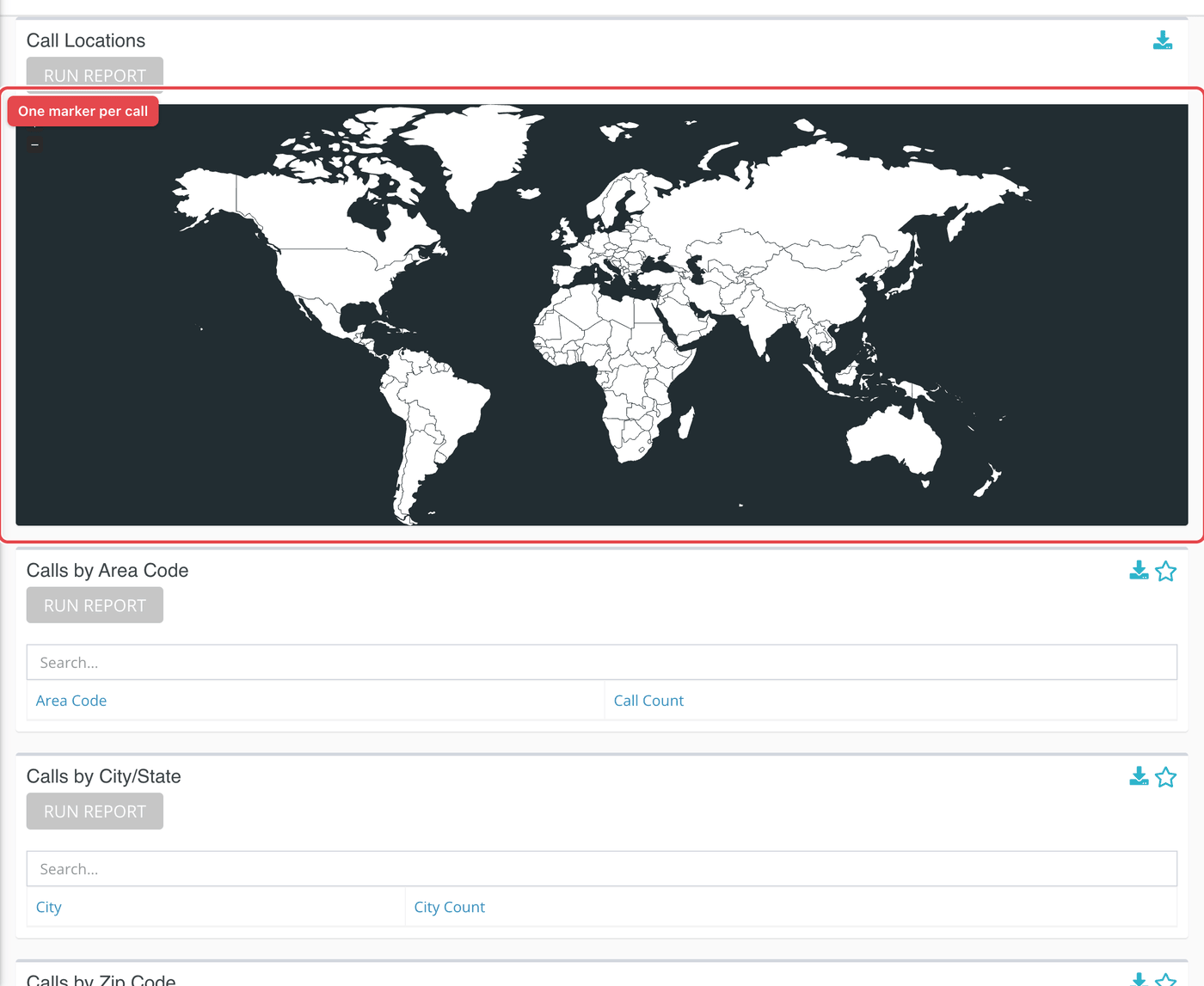
| Call Locations | A map with a marker for each call whose caller has a saved location. It shows at most 500 calls. |
| Calls by Area Code | A table of Area Code and Call Count, highest first. |
| Calls by City/State | A table of City and City Count. |
| Calls by Zip Code | A table of Zip and Zip Count. |
What the measurements mean
| Term | What it means |
|---|---|
| Caller location | The city, zip code and map position saved on the caller's record. It is not read from the call itself, so it is only as current as the record. |
| Area code | The three digits that follow the country code on the caller's number. This fits numbers in the North American format and will not mean much for numbers from other countries. |
| Blank location | Calls whose caller has no city or zip are grouped together in a single row with an empty name. |
What to keep in mind
- The tables count calls in both directions, inbound and outbound, on the numbers you chose.
- The map and tables always use the Created At date. The Created At / Closed At switch does not change them.
- The map is capped, so over a long range it shows a sample of calls, not all of them. Use the tables for totals.
- The card titled Calls by City/State groups by city only; the state is not a column.