Sometimes a ministry needs to text a handful of people once: the shift is canceled, the venue has moved, the line is down. The SMS screen does exactly that and nothing else.
There is no draft, no preview and no scheduled send. Clicking Send Texts sends the message. Read it twice.
Where to find it
In the admin menu, click SMS.
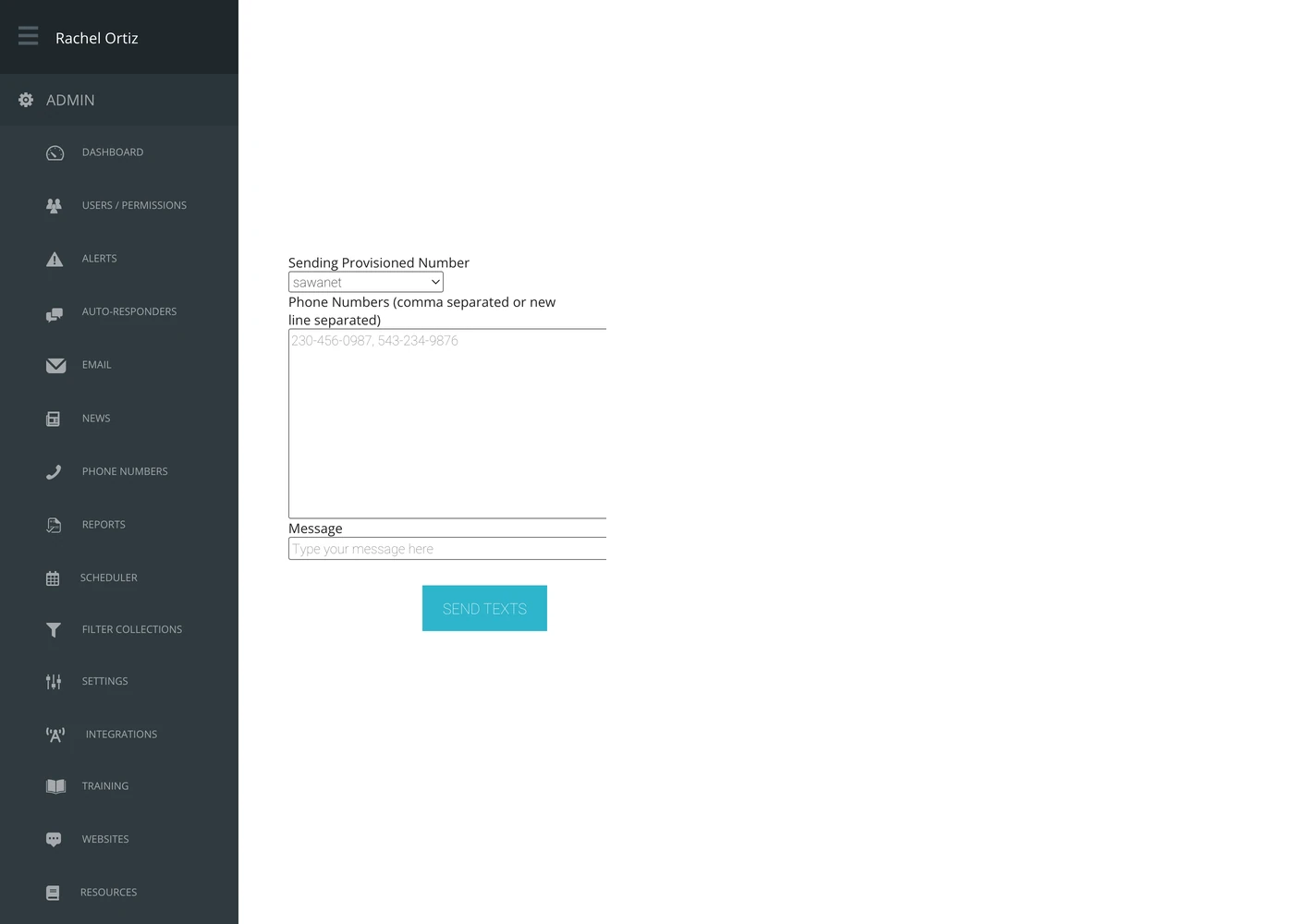
Sending
- Choose the Sending Provisioned Number. This is the number the text appears to come from, and only numbers set up for texting are listed.
- Type or paste the Phone Numbers. Separate them with commas or put one on each line.
- Type the Message.
- Click Send Texts.
Echo hands the batch off to send in the background, so the screen comes back before every message has gone out.
When to use something else
| If you want to… | Use… |
|---|---|
| Reply automatically when somebody texts a keyword | An auto-responder campaign |
| Text the same saved group repeatedly | An audience |
| Let people unsubscribe | An auto-responder campaign — this screen has no unsubscribe handling of its own |
What the terms mean
| Term | What it means |
|---|---|
| Provisioned number | A phone number on your Echo account. Texts sent here come from the one you pick. |
| Audience | A saved list of people, set up separately. This screen does not use them — you paste numbers in. |
Texting people who have not asked to hear from you is regulated in most countries, and carriers enforce it regardless of what the law says where you are. Use this for people who are expecting to hear from you.