Overview
Resource Collections can be used to group resources together and assign to a permission set. This allows you to limit who in your system can see the resources within that collection.
Setting Up a Resource Collection
An admin can set up Resource Collections by logging into Echo and going to Admin>Resources>Resource Collections
Before you create a Resource Collections, you will first want to create the resources you plan to add to the collection. See "adding a resource" document
Click on +Create Resource Collection and give your collection a name (try to be specific so you will easily identify your collections as you build them) and click Create Resource Collection
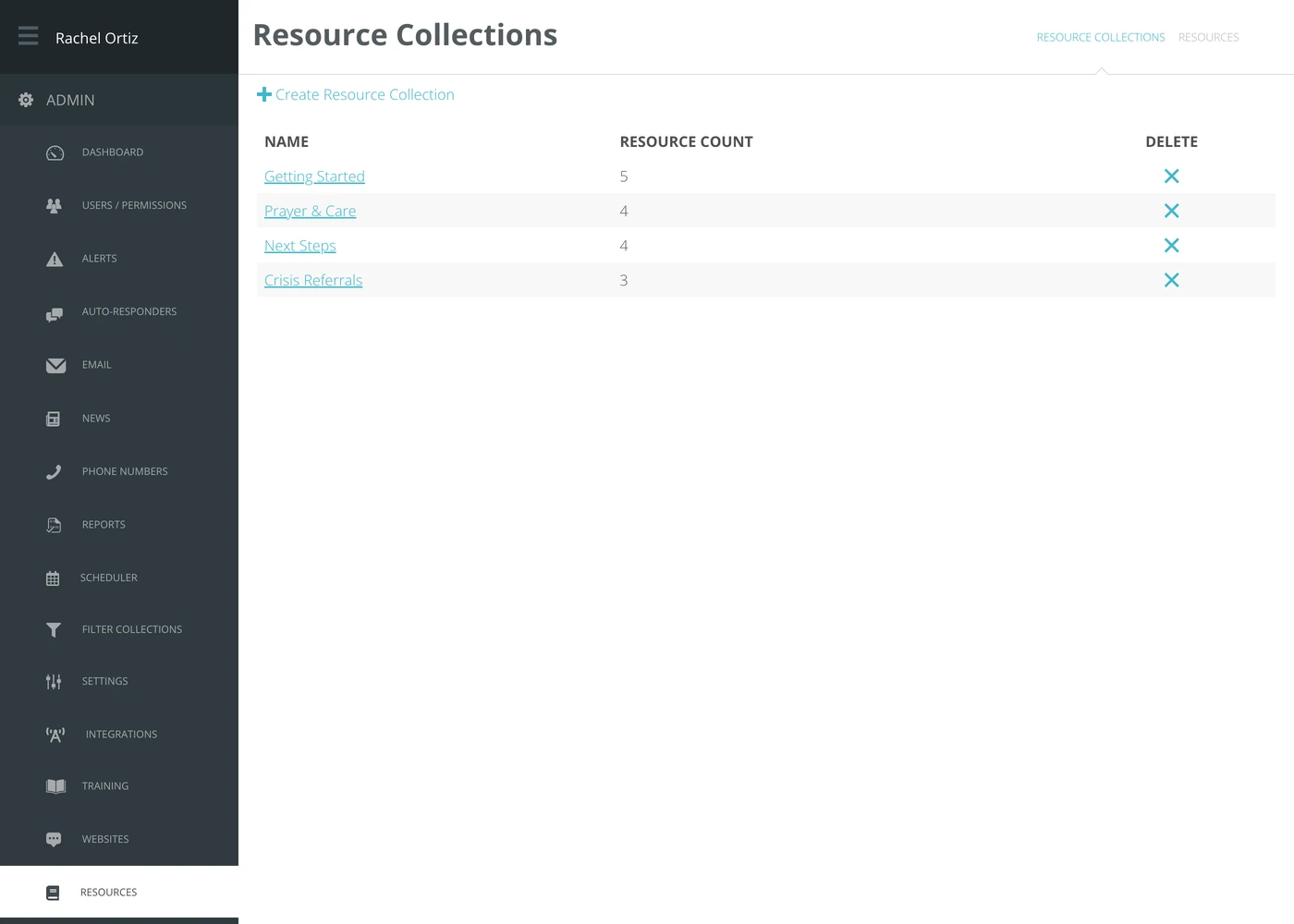
You will now find that resource collection in the list. Click on the name to select it and continue editing.
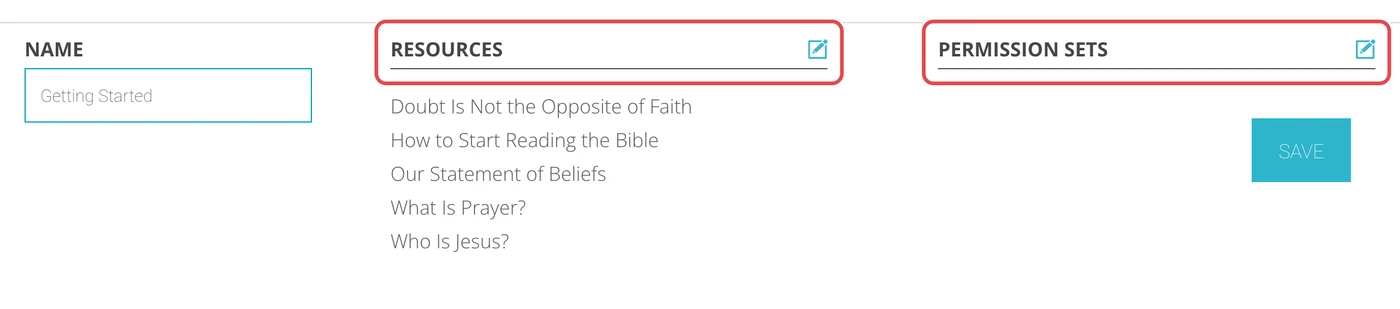
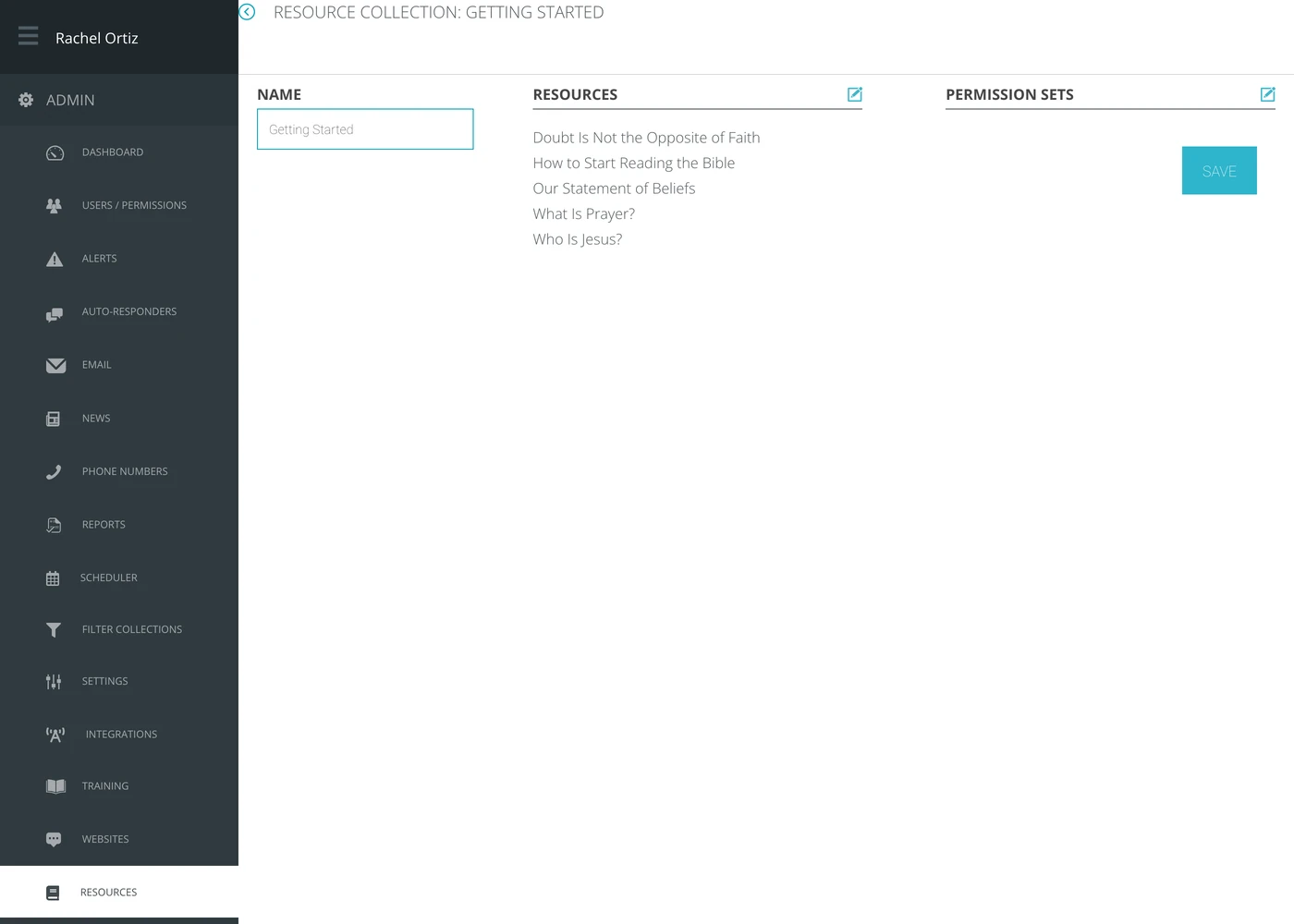
From here, you can use the edit icons to add resources to the collection and then provide the permission sets in which you want to give access.
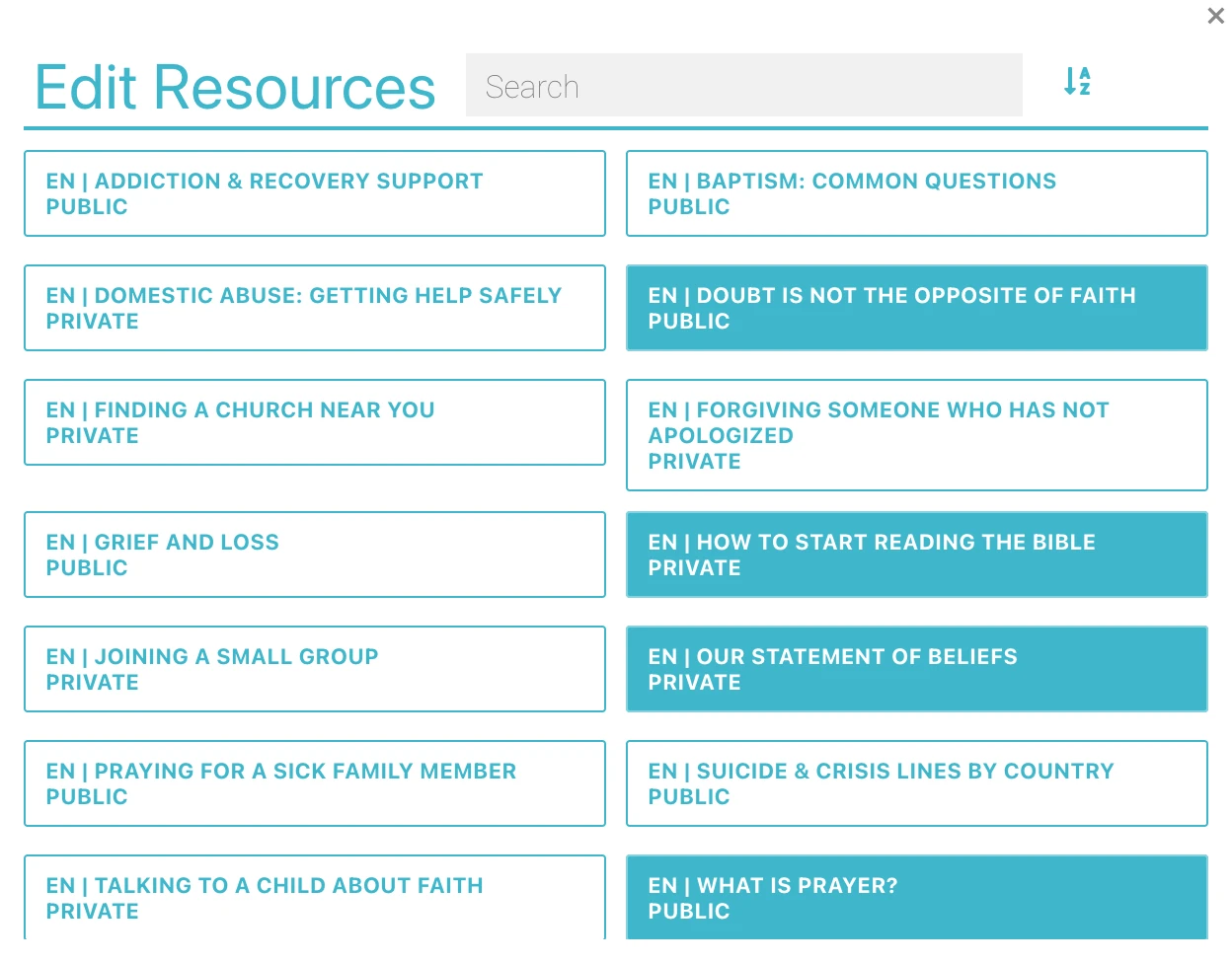
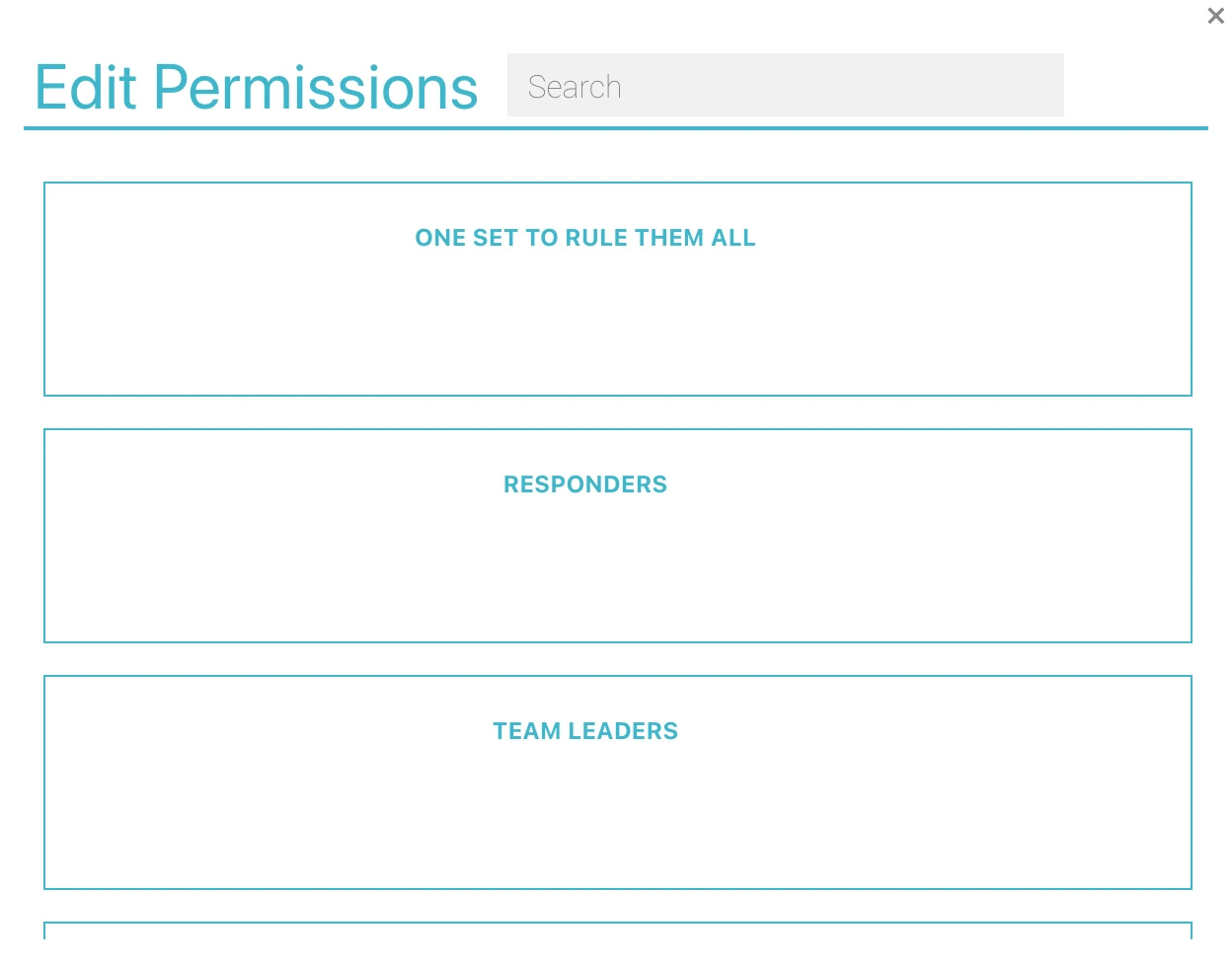
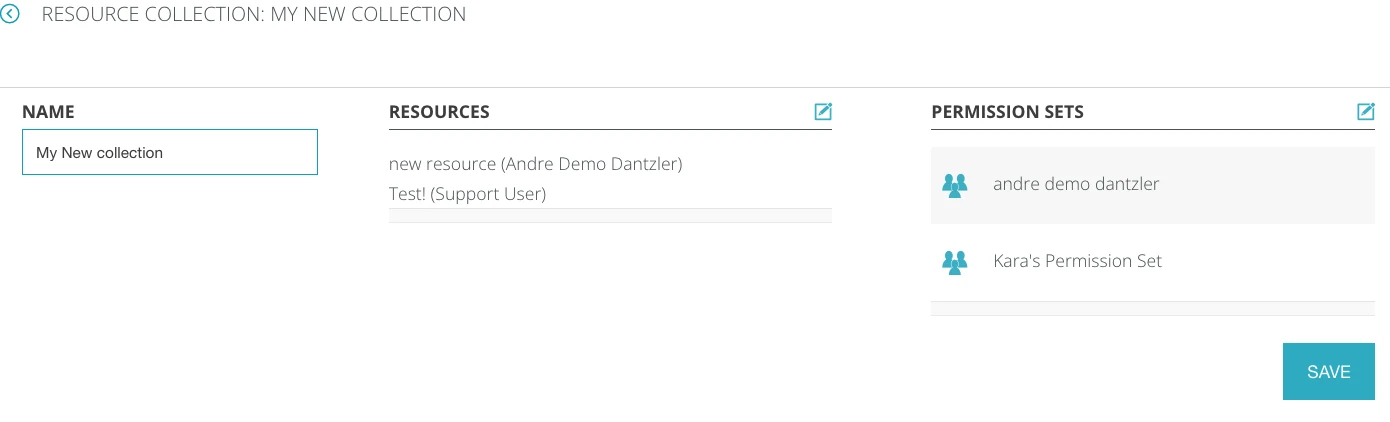
Now, once I click Save, I have two resources that the people under my two permission sets can see, but people outside of these permission set will not see.
If your resources are marked as PUBLIC, a user serving in the same language as the resource will also be able to see it even if they are not in the resource collection permission. To make sure ONLY the people in the resource collection permission sees a resources, you first need to make those resources PRIVATE.