Outbound Attachments

In Echo, if enabled in a permission set, an Echo user can attach a short document or audio clip to their outgoing message.

1 minute read

Overview

In Echo, if enabled in a permission set, an Echo user can attach a short document or audio clip to their outgoing message.

Instructions

An Admin must first add "Enable Outbound Message Attachment" to the desired permission set.
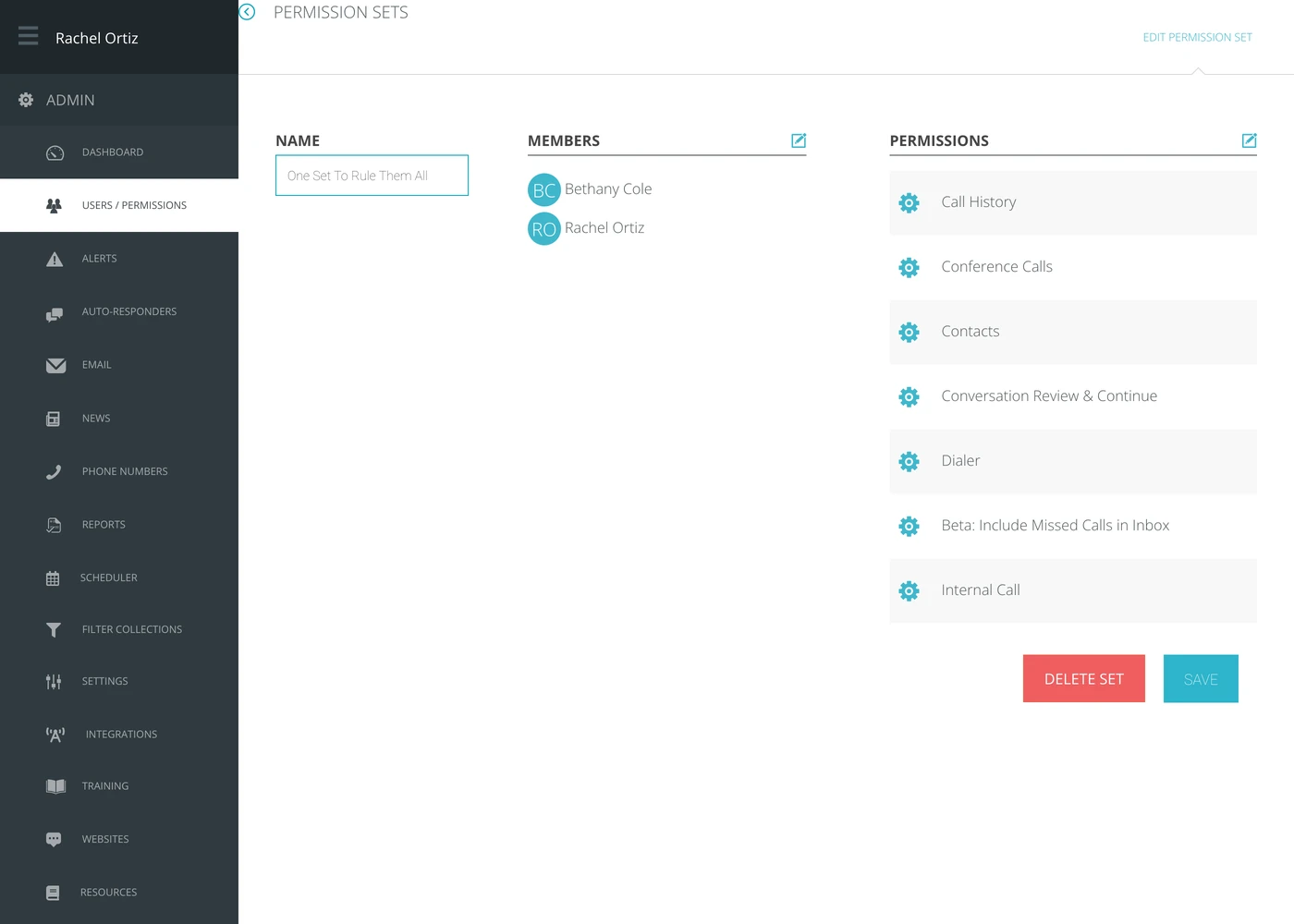
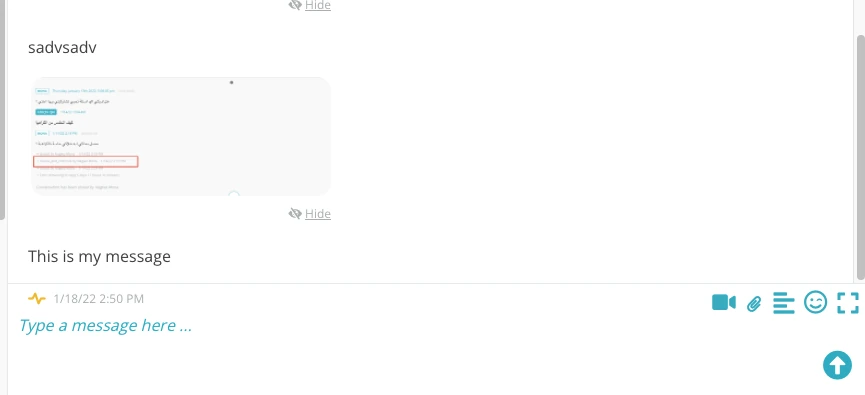
Once enable, the user will see a paperclip icon as an option in the message box for their active conversation, on channels that can send attachments.
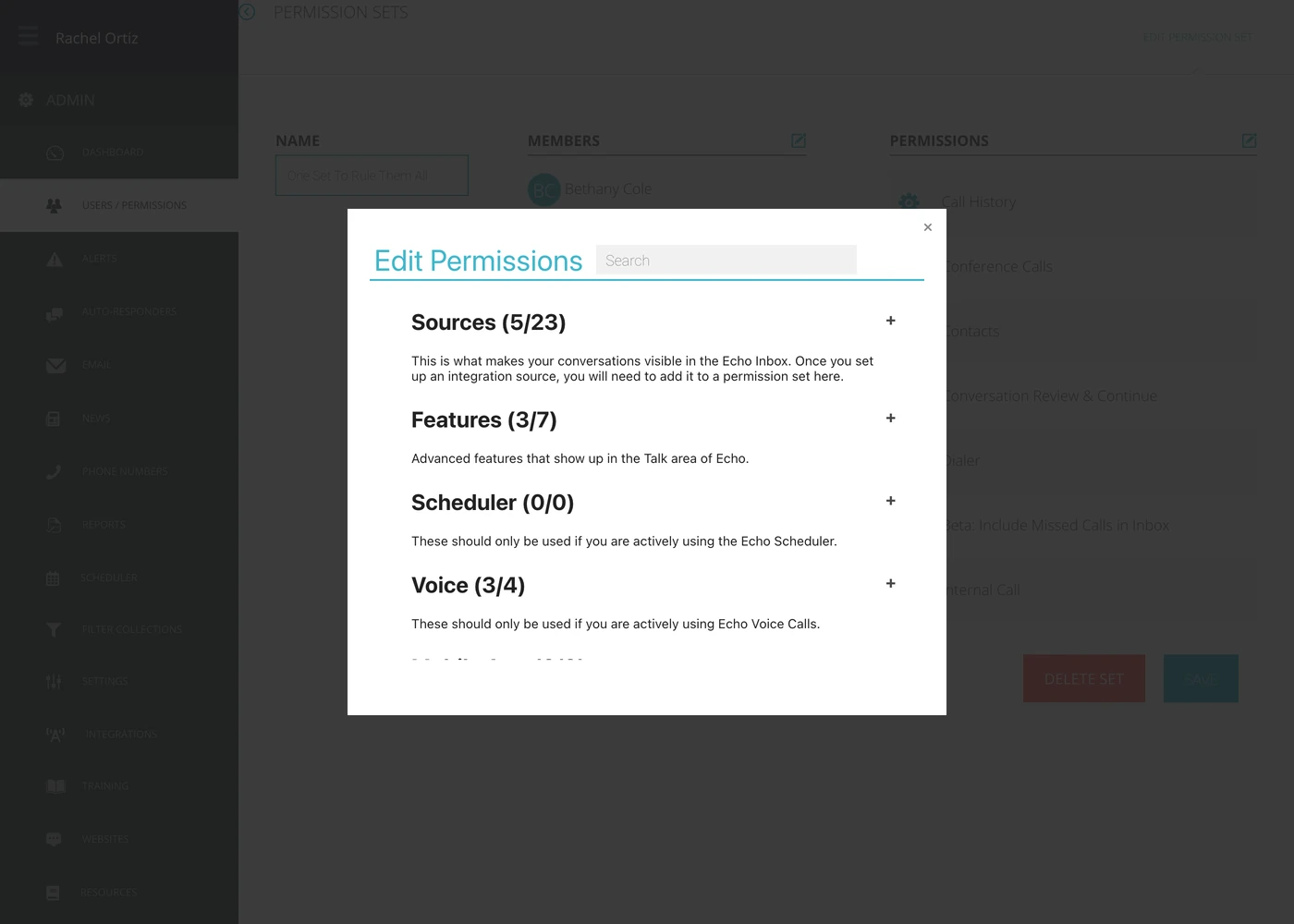
Upload the attachment to the pop-up box that appears.
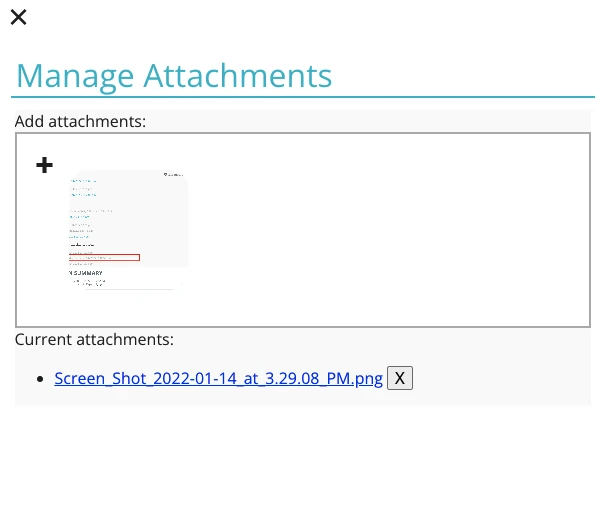
Once it shows as attached, use the X in the upper-left corner to close the pop-up box.

When the box closes, you can see the attached document at the top of your "type a message" box.

Now you can type your message content and when you send it, both the message and the attachment will go out.
Did this answer your question?

  1. 2-Factor Authentication

    2-Factor Authentication (2FA) is a simple yet powerful tool that adds an extra layer of protection to your accounts, beyond just a password.

  2. Adding A Resource

    Adding resources into Echo can be a way to provide quick access information and links to your Echo users and for Echo users to provide information quickly to the seekers they are talking with.

  3. Admin: Agreements

    Do you want to add a Code of Conduct or Statement of Faith agreement for your Echo Users to sign before they take conversations in Echo?

  4. Admin: Alerts

    There may be a variety of situations where you want someone to be notified if that situation arises.

Still stuck?

Send us your Echo address and a screenshot of what you are seeing, and it goes to somebody who can look at your account.