
A permission set is a named bundle of access: which sources a responder can see, and what they are allowed to do. A ministry with several teams, several languages or several phone lines ends up with a lot of them.
A permission set group is a folder for those sets. It does not grant anything on its own — it is there so a long list can be handled a few at a time.
Where to find it
In the admin menu, click Users / Permissions, then Permission Sets. Groups are the folder rows in that list, each showing how many sets it holds, with its sets listed underneath.
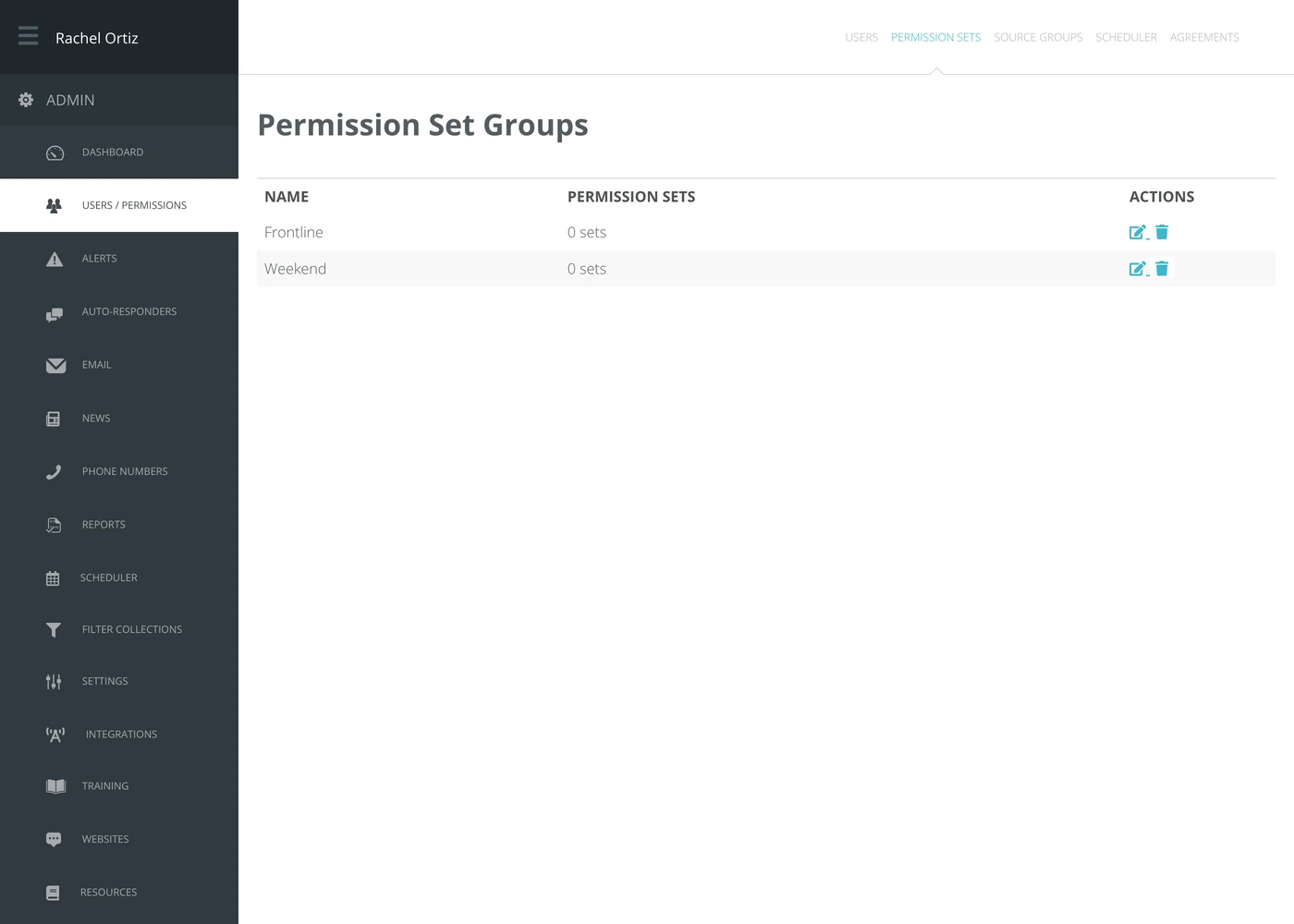
Creating a group
- Click New Set Group.
- Type a Name. Name it after the team or the shift it describes, not after the sets inside it — the contents will change.
- Click Create Group.
Putting sets into a group
- Click the edit icon beside the group.
- Echo lists every permission set on the account, each with its initials in a circle.
- Click a set to put it in the group. Click it again to take it out. The ones in the group are highlighted.
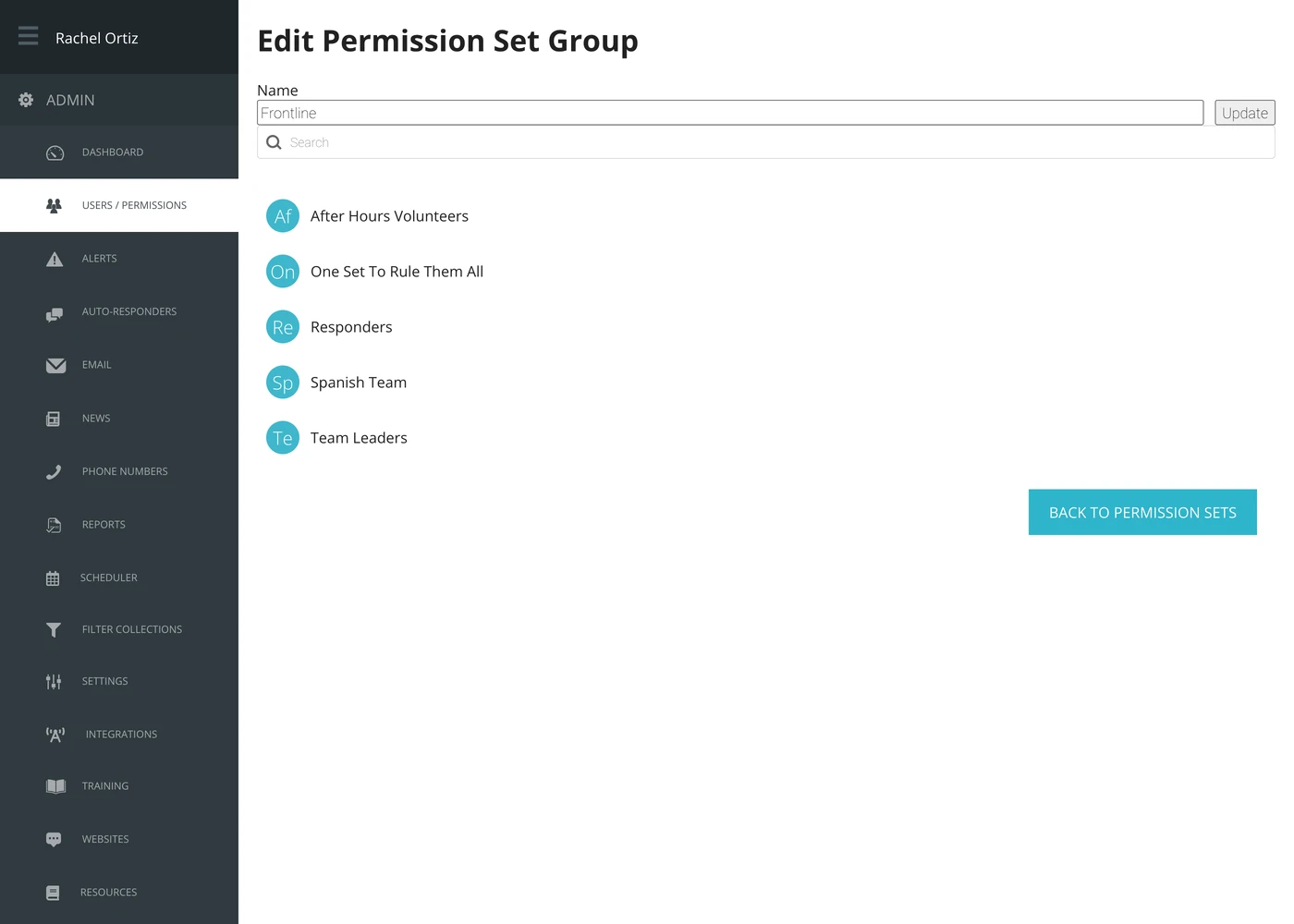
Each click saves on its own. There is no save button for the list, and the search box at the top filters it as you type — useful once you have more than a screenful of sets.
Deleting a group
Click the trash icon on the row.
Deleting a group deletes the folder, not the permission sets in it. Every set survives, and every responder keeps the access it gave them.
What the terms mean
| Term | What it means |
|---|---|
| Permission set | A named bundle of access. Responders are put into sets; sets decide what they can see and do. |
| Permission set group | A folder holding several sets. Grants nothing by itself. |
| Source group | A different thing with a similar name — a saved selection of sources, used to slice reports. See the Source Groups article. |