Alerts is where you decide who gets told when something happens. Alert Messages is the record of what Echo actually sent.
It is a short screen with one job, and it is the screen to open when somebody says they never got told.
Where to find it
In the admin menu, click Alerts, then Alert Messages along the top.
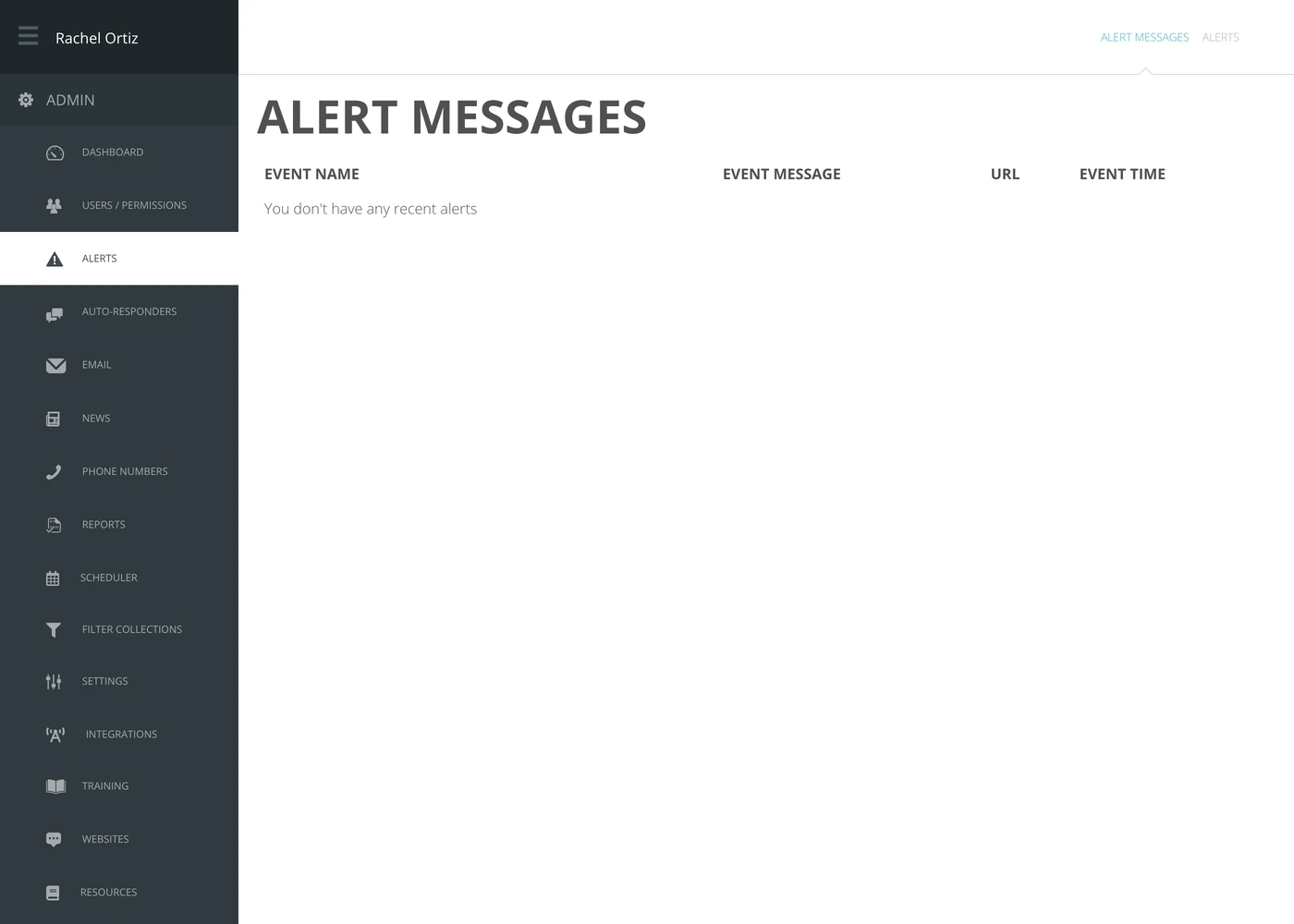
What each column tells you
| Column | What it means |
|---|---|
| Event Name | Which alert fired. |
| Event Message | The wording that was sent, with its placeholders already filled in. |
| URL | The link in the message — usually straight to the conversation. |
| Event Time | When it was sent. |
The screen shows fifty alerts at most, oldest first, and they are the first fifty Echo sent for your alerts, not the latest. Once your ministry has had more than fifty, newer ones do not appear here.
Using it when somebody was not told
Work in this order:
- Is the alert here at all? If not, and your ministry has had fewer than fifty alerts, the alert never fired — the problem is the alert's setup, not its delivery.
- Is it here but the person says nothing arrived? The alert fired and Echo sent it, unless it repeats an alert already sent for the same conversation: a repeat can be listed here without being sent again. Check the alert's subscriber list and how it delivers — email or SMS — on the Alerts screen.
- Is the wording wrong? The Event Message column shows exactly what went out, placeholders resolved. That is where a broken template shows itself.
What the terms mean
| Term | What it means |
|---|---|
| Alert | A rule: when this happens, tell these people. |
| Alert message | One sending of that alert. |
| Event | The thing that happened in Echo and set the alert off. |
An empty list is not proof your alerts work. It is equally consistent with nothing having happened and with the alert never having been set up. Check the Alerts screen before concluding either.