“Non-Sub Convs” is short for non-subscriber conversations. The card is titled Conversation Stats from Everyone Who Aren’t Subscribers. It counts the conversations on each source that came from people who did not subscribe to a campaign in your date range, so you can compare them with the conversations of subscribers.
Its mirror image is Sub Convs.
You need to be an admin, or to have been given access to the Reporting module, to open Reports. These pages are in the classic Reports area. The newer Analytics area is a separate set of reports.
Where to find it
- Click Reports in Echo’s main menu.
- In the left menu, open the Autoresponders group and click Non-Sub Convs.
- Pick a date range and, if you need to, a time zone at the top of the page. Open Sources to choose which of your sources to include.
- Use the Created At / Closed At switch in the top bar to choose which date the conversations are placed by.
- Click Run Report on the card. The report runs in the background, so give it a moment on a long date range.
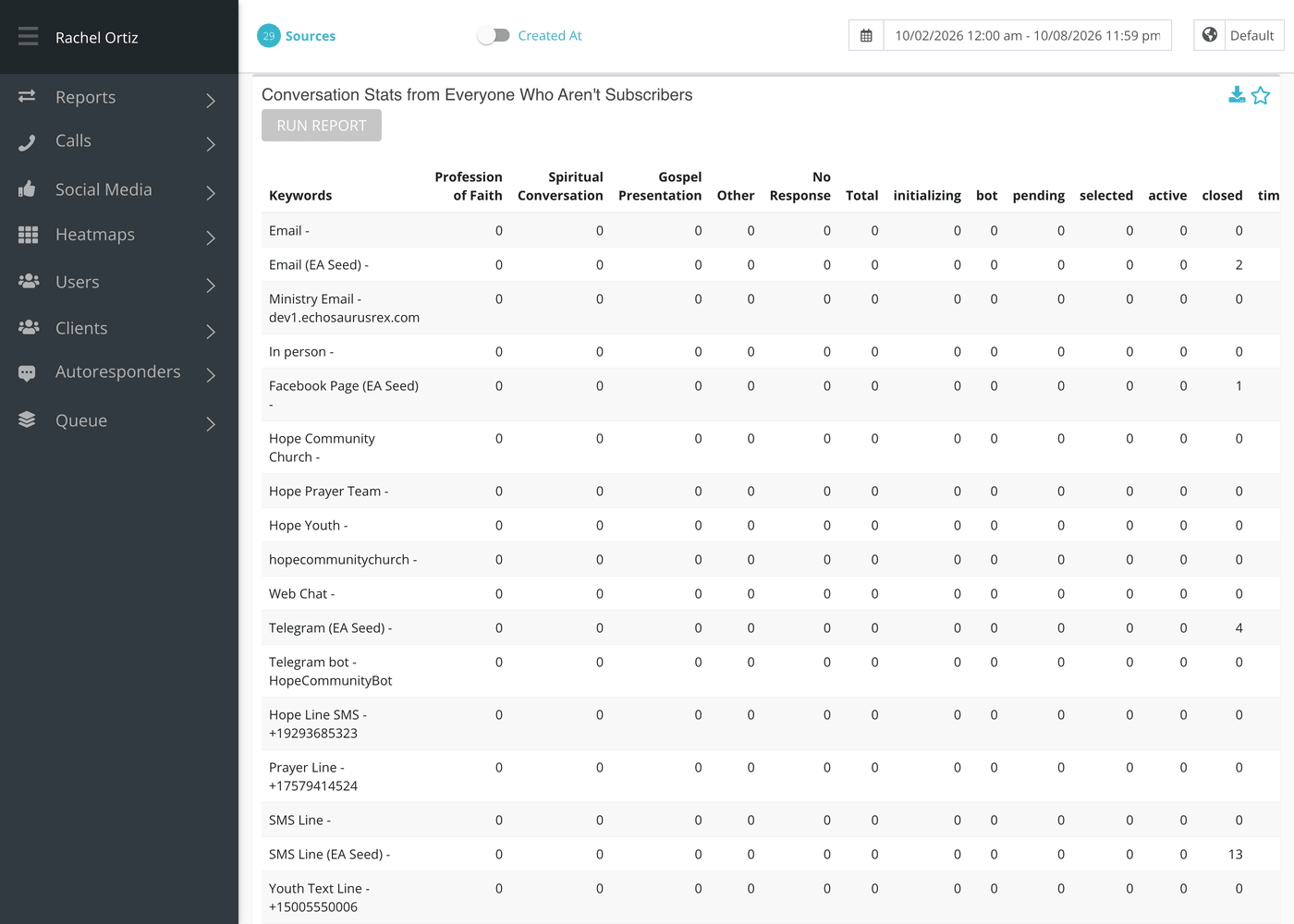
Reading the table
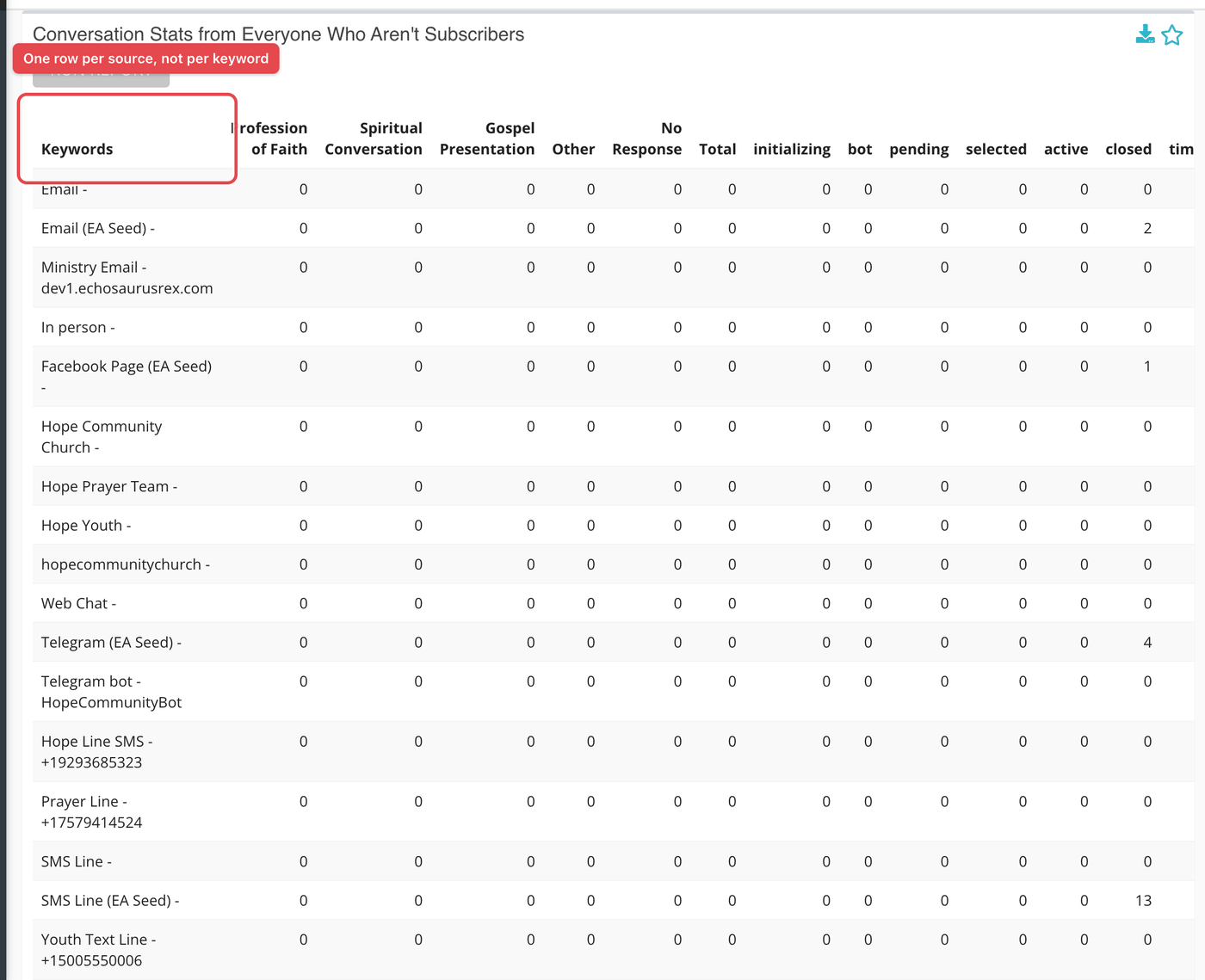
There is one row for each source you selected, labeled with the source’s name and its number or address. The column heading still says Keywords, but these rows are sources, not keywords. Every selected source gets a row, even a source that has no campaign.
| Columns | What they count |
|---|---|
| Outcome columns (one for each of your active outcomes) | Conversations given that outcome. |
| First Total | All conversations that have an outcome. Conversations without one are left out. |
| Status columns (one for each conversation status) | Conversations in that status: initializing, bot, pending, selected, active, closed, timeout, abandoned, hidden or blocked. |
| Second Total | All conversations in the range on that source from non-subscribers. |
Who counts as a non-subscriber
A non-subscriber here is anyone who did not subscribe to one of the source’s campaigns during your date range. That includes people who have never subscribed, and also people who subscribed before the range began. If you want only people who have never subscribed, this report does not isolate them.
What the measurements mean
| Term | What it means |
|---|---|
| Non-subscriber | Someone without a subscription created in your date range for that source. |
| Outcome | The result a responder records when a conversation ends. See Status and Outcome Reports. |
| Status | Where a conversation is in its life, from pending through closed. |
| Created At / Closed At | Whether a conversation is placed in the range by when it started or when it ended. |
If something looks wrong
- The totals here are larger than in Conversations. Check that the same Sources, date range and Created At / Closed At setting are selected in both reports.
- A subscriber’s conversation is counted here. That person subscribed before the range began, so they count as a non-subscriber for this range.