
Tags are how a conversation gets described: baptism, prayer request, needs a church. They are also what most reporting counts.
Left open, ten responders produce ten spellings of the same idea and the report splits into ten small numbers. Restricted tags fix that: your ministry keeps a fixed list, responders pick from it, and nobody can invent a new tag mid-conversation.
Where to find it
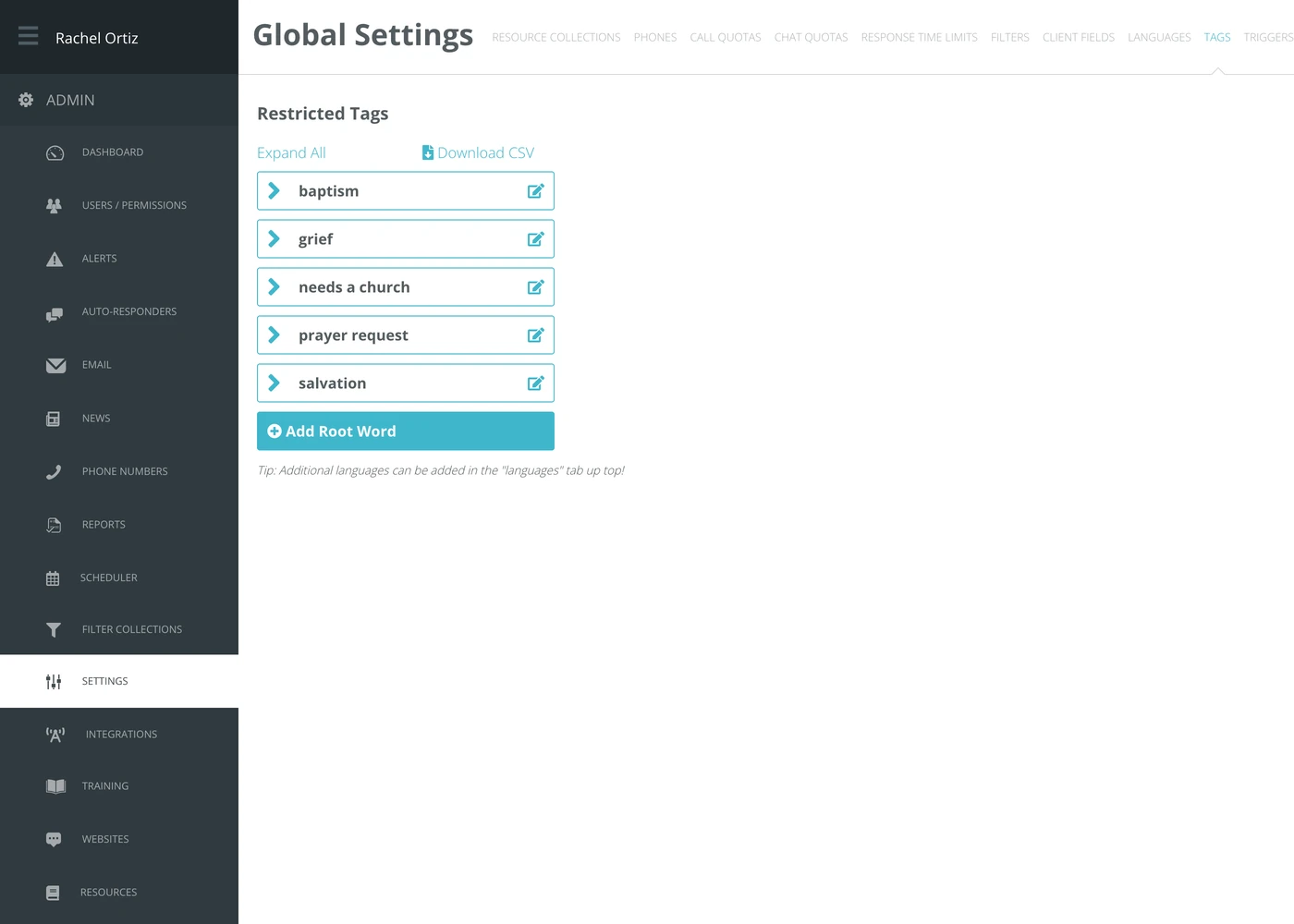
In the admin menu, click Settings, then Tags.
Root words and synonyms
The list has two levels and the difference is the whole point of the feature.
| Level | What it is |
|---|---|
| Root word | The tag reporting counts. One idea, one root word. |
| Synonym | Another way of saying the same thing, filed underneath the root word. Responders can pick it; it counts toward the root. |
So baptized and water baptism sit under baptism, and the report shows one number rather than three.
Adding a root word
- Click Add Root Word.
- Type the tag name.
- Click the checkmark to save, or the ban icon to cancel.
Click the arrow beside a root word to expand it and add synonyms underneath. Expand All and Collapse All open and close the whole list at once.
Editing, moving and deleting
Click the edit icon beside any tag. From there you can:
- Change its name.
- Give it a name in each of your ministry's languages — there is one box per language you have added.
- Move it under a different root word, using the arrows icon.
- Delete it.
The language boxes come from your Languages setting. Add a language there and it appears here for every tag.
Downloading the list
Download CSV gives you the whole vocabulary as a spreadsheet. It is the easiest way to review it with people who do not use the admin area.
What the terms mean
| Term | What it means |
|---|---|
| Restricted | Responders may only apply tags that already exist in this list. On an unrestricted list, typing a new tag creates it. |
| Root word | The tag reporting counts. |
| Synonym | An alternative wording filed under a root word, counting toward it. |
| Migrate to Restricted Tags | The button that switches a ministry from an open tag list to this one. It appears only while you are still on an open list. |
Building the list
Start from what your responders already type. Pull a conversations report, look at the tags actually in use, and let the common ones become root words and the variants become synonyms. A list invented in a meeting tends not to survive contact with a Saturday night.