A responder claims a conversation and then gets pulled away. The seeker is left waiting, and because the conversation is claimed, nobody else can see that they are waiting.
A response time limit is the answer. Once a message has gone unanswered for longer than the limit, Echo puts the conversation back into the inbox so any responder can claim it.
Where to find it
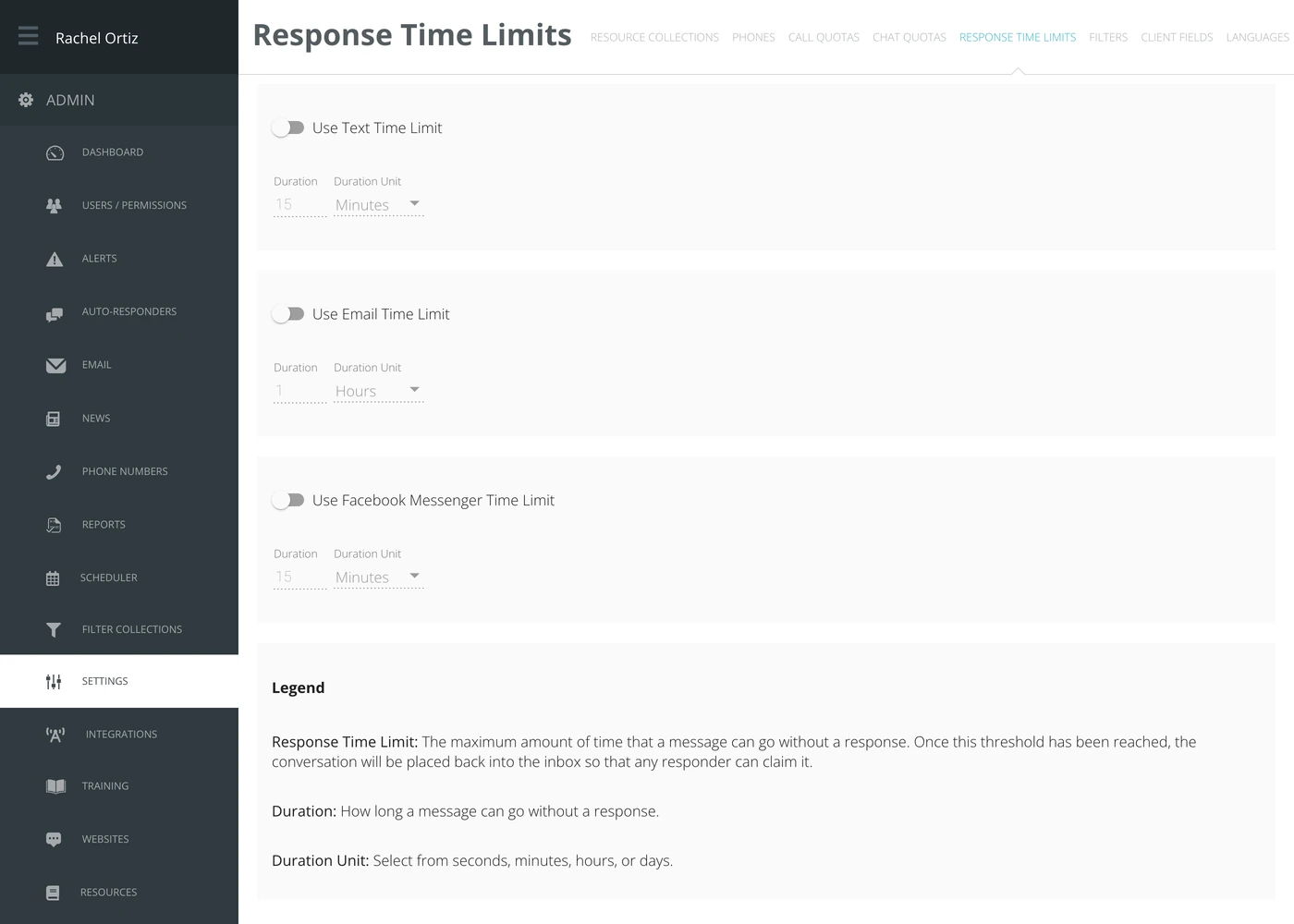
In the admin menu, click Settings, then Response Time Limits.
Setting a limit
Each channel is set up on its own.
- Turn on the switch for the channel — Use Text Time Limit, Use Email Time Limit or Use Facebook Messenger Time Limit.
- Type a Duration.
- Choose a Duration Unit: seconds, minutes, hours or days.
The fields stay grayed out until the switch for that channel is on, and a channel with its switch off has no limit at all.
What the settings mean
Echo prints its own legend at the bottom of the screen. These are its words:
| Setting | What it means |
|---|---|
| Response Time Limit | The maximum amount of time that a message can go without a response. Once this threshold has been reached, the conversation will be placed back into the inbox so that any responder can claim it. |
| Duration | How long a message can go without a response. |
| Duration Unit | Select from seconds, minutes, hours, or days. |
Choosing a duration
Match the limit to how the channel is actually used. Text conversations move in minutes; email arrives expecting a reply the same day. Set the limit too short and conversations bounce out of the inbox while a responder is mid-reply.
Returning a conversation to the inbox does not tell the seeker anything. They simply keep waiting. The limit shortens how long that lasts — it is not a substitute for having somebody rostered.