Echo keeps a list of the languages your ministry answers in. It is a short screen and it does one job: add a language, or take one away.
Where to find it
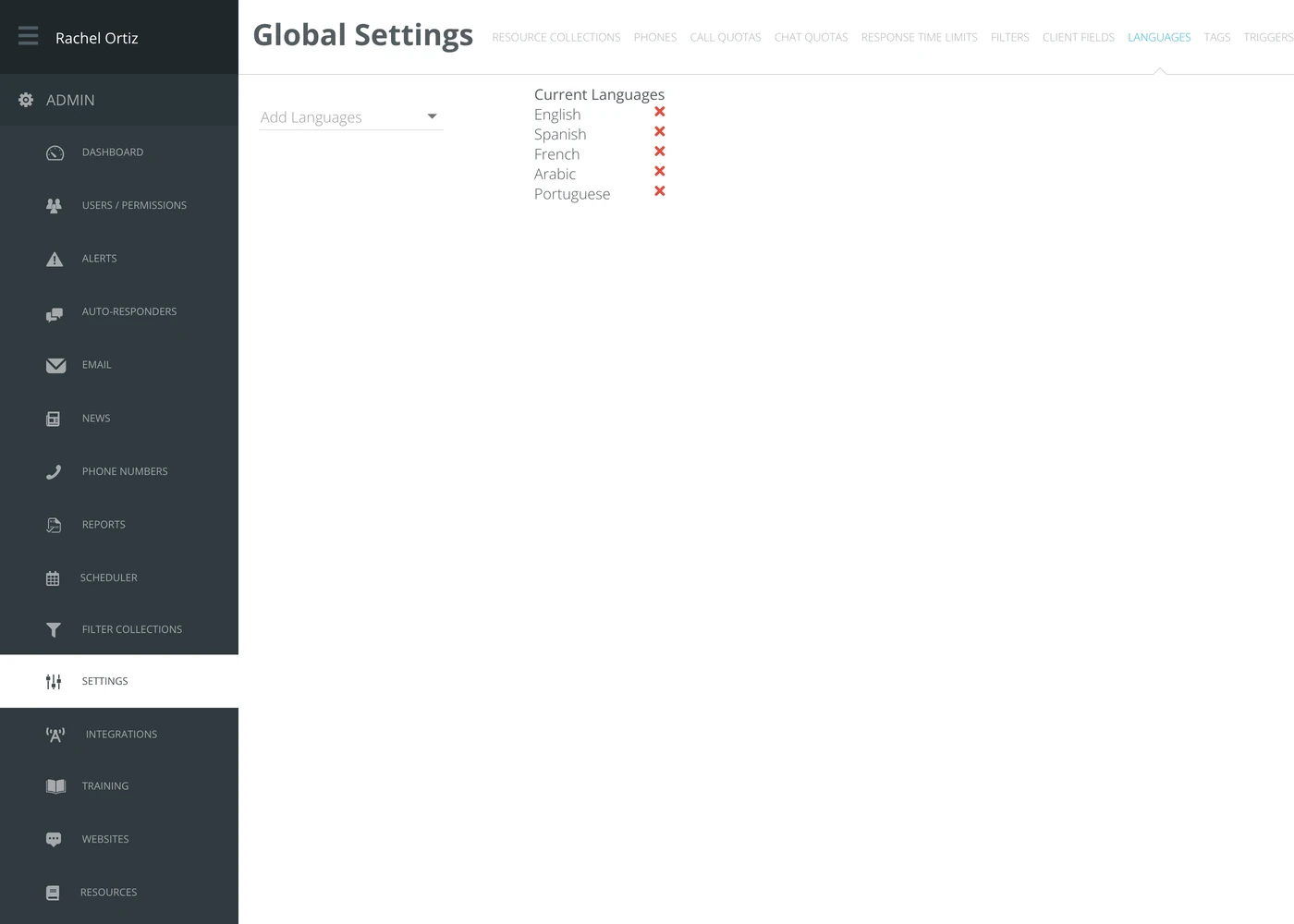
In the admin menu, click Settings, then Languages along the top.
Adding a language
- Click Add Languages.
- Choose the language from the list.
It appears under Current Languages straight away. There is no save button.
Removing a language
Click the red x beside the language. It is removed immediately.
Removing a language does not change conversations that were already recorded in it, but it does take the language out of the lists your responders choose from.
What the terms mean
| Term | What it means |
|---|---|
| Current Languages | The languages available to your ministry inside Echo. |
| Language code | The short code Echo stores alongside the name — en for English, es for Spanish. You will see it on a responder's account rather than here. |
This list is about the languages your ministry works in. It is separate from the language a single responder's own screen is displayed in, which is set on their account.