When somebody calls one of your numbers, something has to happen: a greeting, perhaps a menu, then a responder's phone ringing. That whole sequence is a call flow. Echo also calls it an IVR.
Where to find it
In the admin menu, click Phone Numbers, click IVR on any number that takes calls, then click Manage Your Call Flows.
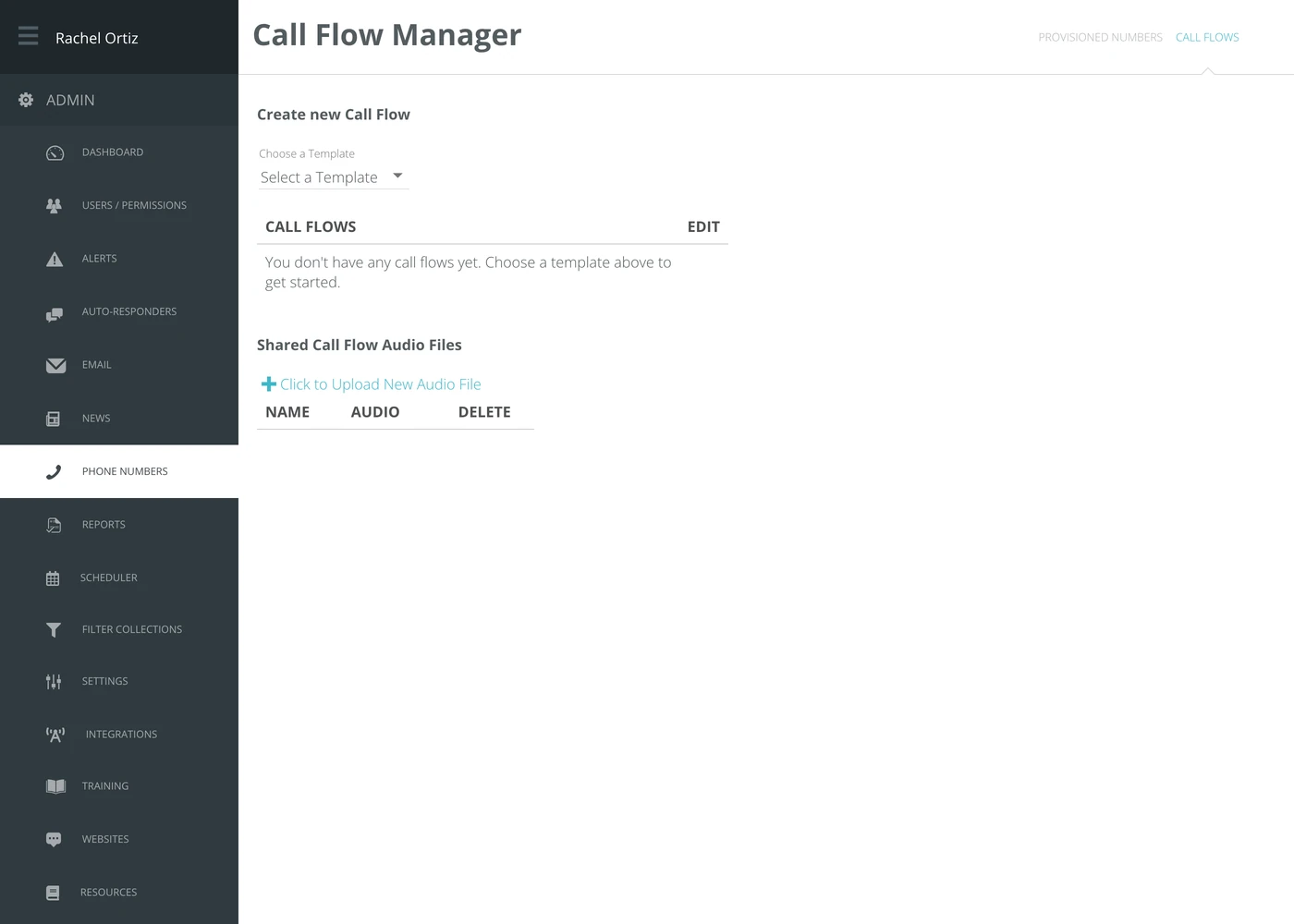
Creating a call flow
You do not start from a blank page. Echo gives you templates and you adapt one.
- Open Choose a Template.
- Pick the template closest to what you want.
- Give it a Call Flow Name, add an audio file to at least one of its parts, and click Save. Nothing is created until you save.
Existing flows are listed underneath, each with an Edit link.
Audio files
Shared Call Flow Audio Files are the recordings any of your flows can use — a welcome message, an after-hours message, hold music. Click Click to Upload New Audio File to add one, then choose it from inside a flow.
Uploading a recording here does not put it into a flow. It makes it available; a flow still has to be told to play it.
Pointing a number at a flow
A flow does nothing until a number uses it. There are two ways to connect them:
- One number — open Phone Numbers and use the IVR option on that number's row.
- New numbers — set Default Tenant Call Flow under Settings → Phones. A number added after that starts with it. Numbers you already have keep the flow they have.
What the terms mean
| Term | What it means |
|---|---|
| Call flow | What a caller hears and what happens to their call. |
| IVR | The same thing. Short for interactive voice response — the phone menu you press numbers in. |
| Template | A ready-made flow you copy and adapt, rather than building from nothing. |
| Shared audio file | A recording available to every one of your flows. |
| Default tenant call flow | The flow a newly added number starts with. |
Before you go live
Call the number yourself, from a phone that is not in the office, and listen to the whole thing. A menu that makes sense on screen can be impossible to follow out loud, and a seeker in distress will not press 3 for options.